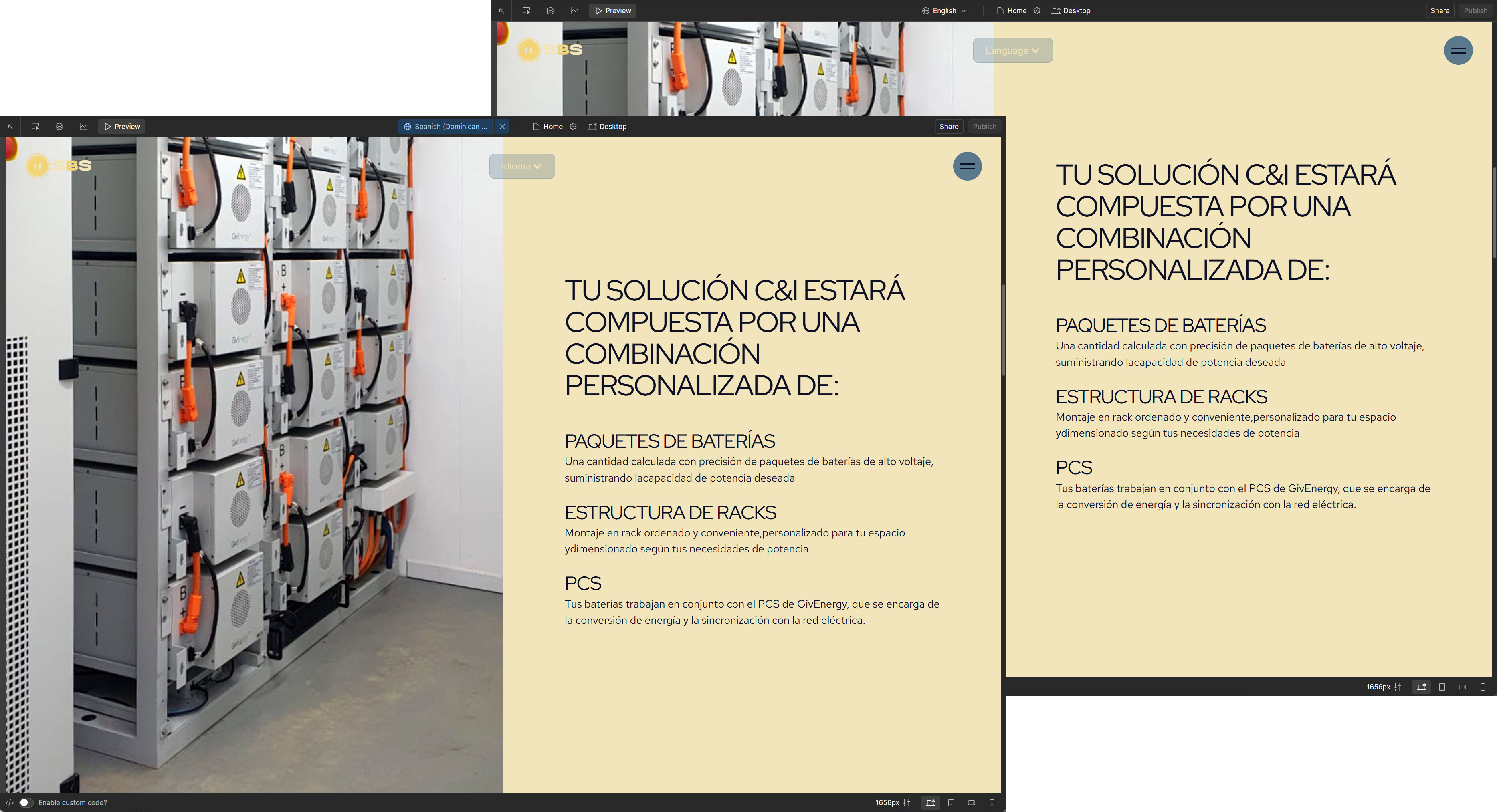
I am having real problems with my site. My location won’t go back to english and when I publish the site it looks like a jumbled mess. I was working on the site in a different location where spanish is language and I have come to work in an english speaking location. Even though I have the two locations on my site, the language hasn’t changed back to english and my published site is a garbled mess. Any help would greatly appreciated.
Your site is setup so that it has a base locale of English and 1 alternate locale of Spanish.
it looks like you’ve either written your base English locale content in Spanish, or copy-pasted the Spanish content into your English locale throughout most of your site.
For example your homepage has Spanish in the base locale;
I don’t have any guess how that happened, you the easiest way might be to use an LLM like chat GPT to help you quick-translate the base locale content back to English, or to copy-paste from one of your backups.
Double-check your base locale in the Localization panel , if English content got overwritten, restoring from a site backup is the cleanest fix. I’ve seen this happen when editing while switching locales; copying the correct English text back into the base locale usually clears the “jumbled” publish.