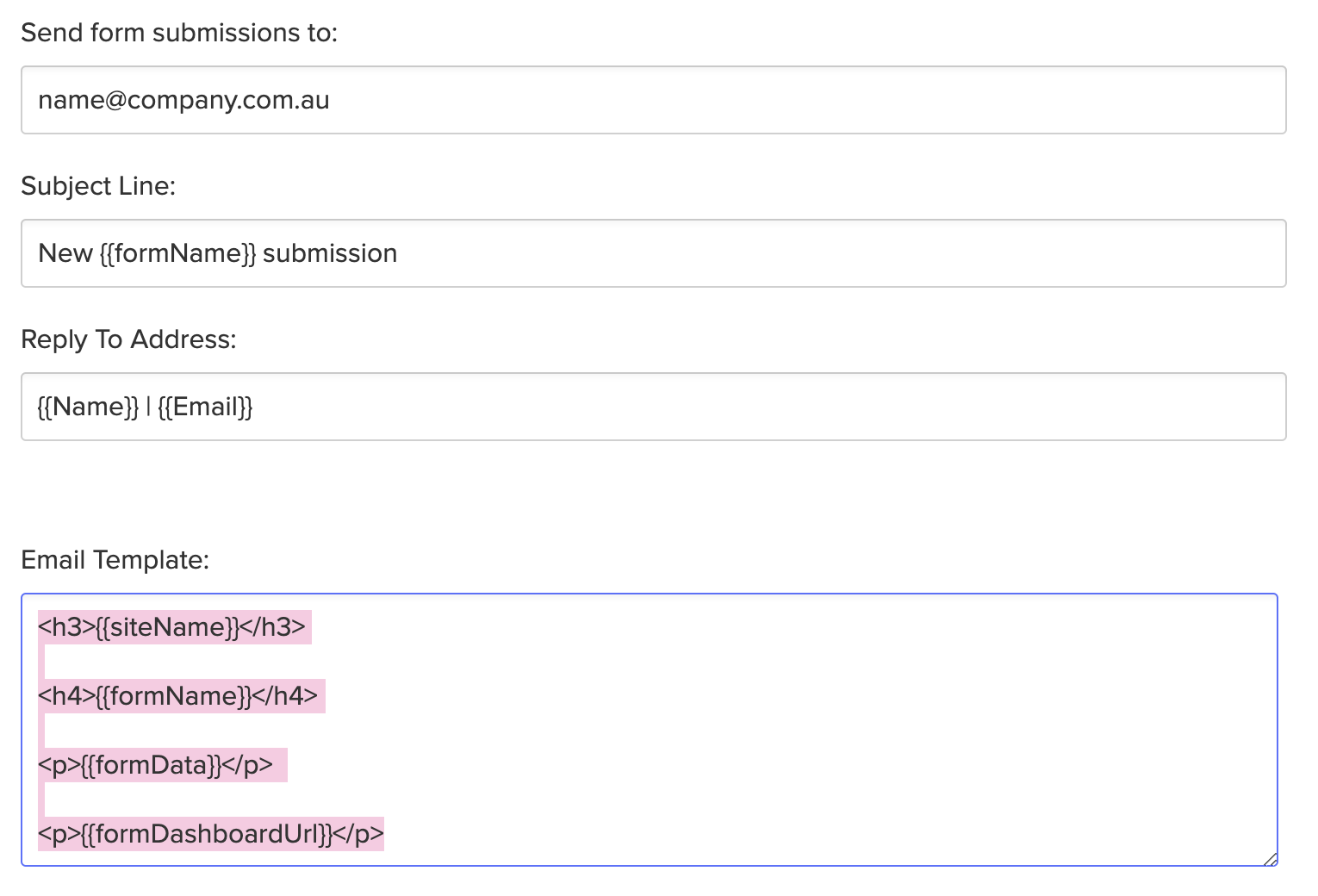
Copy-paste email template style code
Here's a simple copy-paste bit of code to make your form template look a little nicer in your inbox!
Copy the code below
<h3>{{siteName}}</h3>
<h4>{{formName}}</h4>
<p>{{formData}}</p>
<p>{{formDashboardUrl}}</p>
Paste into the Email Template area
And then it'll look something like this!
———
Hot tip: Bookmark this post so each time to have to create this for a client, you’ve got it handy
———
vincent
(Vincent Bidaux)
2
Great, thanks 
That should be the default template for any new form
gorinp
(pavel gorin)
3
This is awesome. Thank you! Just what I was looking for.
nicbyron
(Nic Byron)
4
Thank you! Exactly what I was looking for!
Do you know what labels or code is used for the fields so the title can be bold and have the field data underneath the title so it can look like this:
Name:
James Rush
Position:
Designer
etc
Thank you!
_vOn
(Ivonne)
6
Thank you! They are limited but this makes them already easier to read