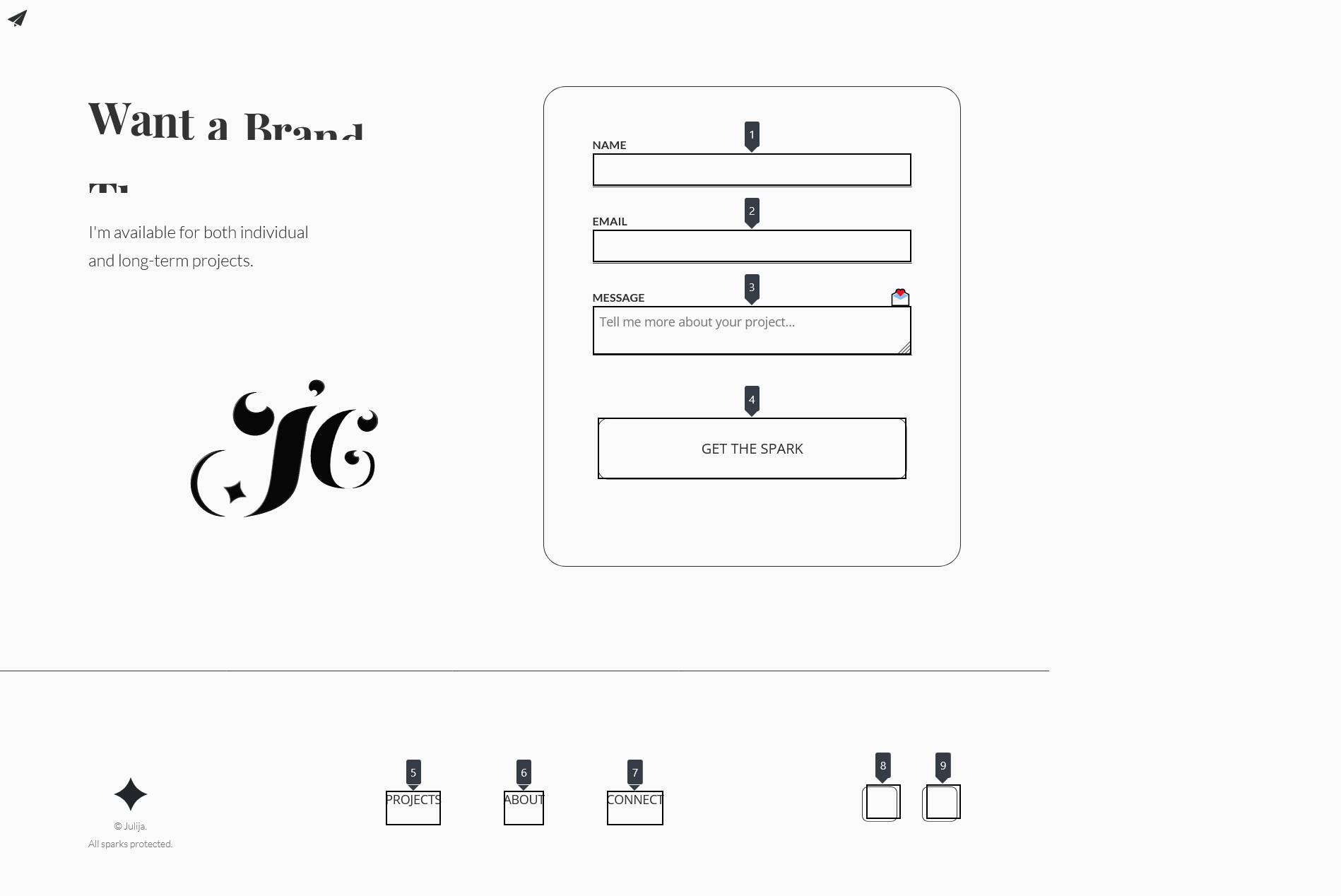
I’m stuck with a weird problem in Webflow. The submit button inside the native form block won’t get focus when I tab through the page. So keyboard users basically can’t submit the form.
What I’ve tried so far:
Created a brand new blank page with just a default Webflow form — no styling or custom code. Still no focus on submit.
Added tabindex=“0”, role=“button”, and aria-label on the submit button manually.
Checked for any CSS that might block focus like overflow: hidden or layering issues — nothing.
Made sure no scripts or elements steal focus.
Tested with a plain unstyled submit button inside and outside the form wrapper — only works outside.
Tried different browsers — same issue.
I’m running out of ideas. Has anyone faced this or found a fix? I really want to keep using Webflow forms but this is a huge accessibility problem.
I was testing your site and I am able to use Tab to focus on submit button in the contact form. I inspected the accessibility settings and the following image shows the Tabbing order which includes the submit button as well.
However, there were instances when I tried loading the page again and again and after a while and noticed that whenever the Cloudflare Turnstile hangs or crashes, the submit button is not focusable via keyboard and its not submittable via cursor as well, since the form submit button gets disabled.
@AJ_Dev that makes some sense- afaik Turnstile disables the submit button temporarily during its validation checks. Interesting that you’re seeing failures there, I’m not seeing those, only a brief delay of about 1s.
@Julija_Spat it’s possible your interaction is interfering with Turnstile scripts, particularly as you’re doing a 3d transform which changes stacking order.
You can test this by dropping a second submit button inside the form that has no class and no interaction, and see if you still encounter tab indexing issues there. For a more accurate test, use visibility: hidden to suppress your interactions-based form button as well, republish and retest. That will ensure Turnstile sees only one submit button.
You can’t place a submit button outside of the form element, make sure you’re using the Form Button element and not a regular Button. They generate different code- a button is a link, a form button is an input type=submit element.
Hey, you were absolutely right. Also got your test email. I was just testing it too fast. I tested again after site refresh, waited 5 seconds and saw that the submit button becomes focusable. It’s definitely the Cloudflare Turnstile delaying things. That explains the inconsistent behavior I was seeing earlier. I can actually live with that delay.
Thanks a lot for your help and for pointing me in the right direction. really appreciate it!