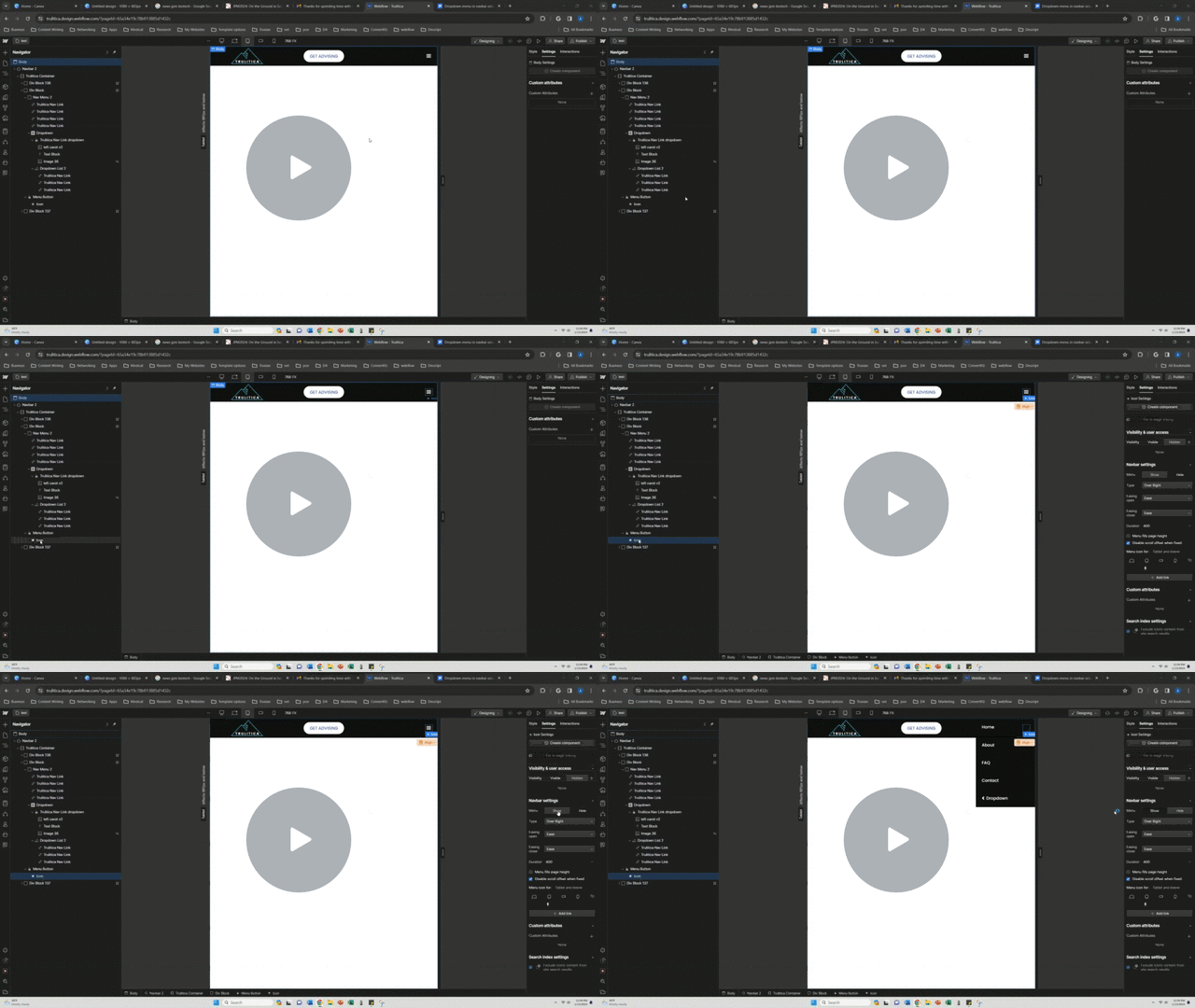
You might need to try, in the settings panel of the menu, setting the menu type to “drop down” rather than “over right” as it looks like in the designer you have a dropdown type, but it’s displaying as an “over right” menu instead.
You’ll need to play with sizing etc, but hopefully that might help!
I did try that. What that did is it turned the whole menu into a new dropdown. The option wasn’t specifically available for the dropdown within the menu. Here’s what it looked like.
I did eventually find a solution that was acceptable though. Not exactly what I was looking for, but good enough for now.
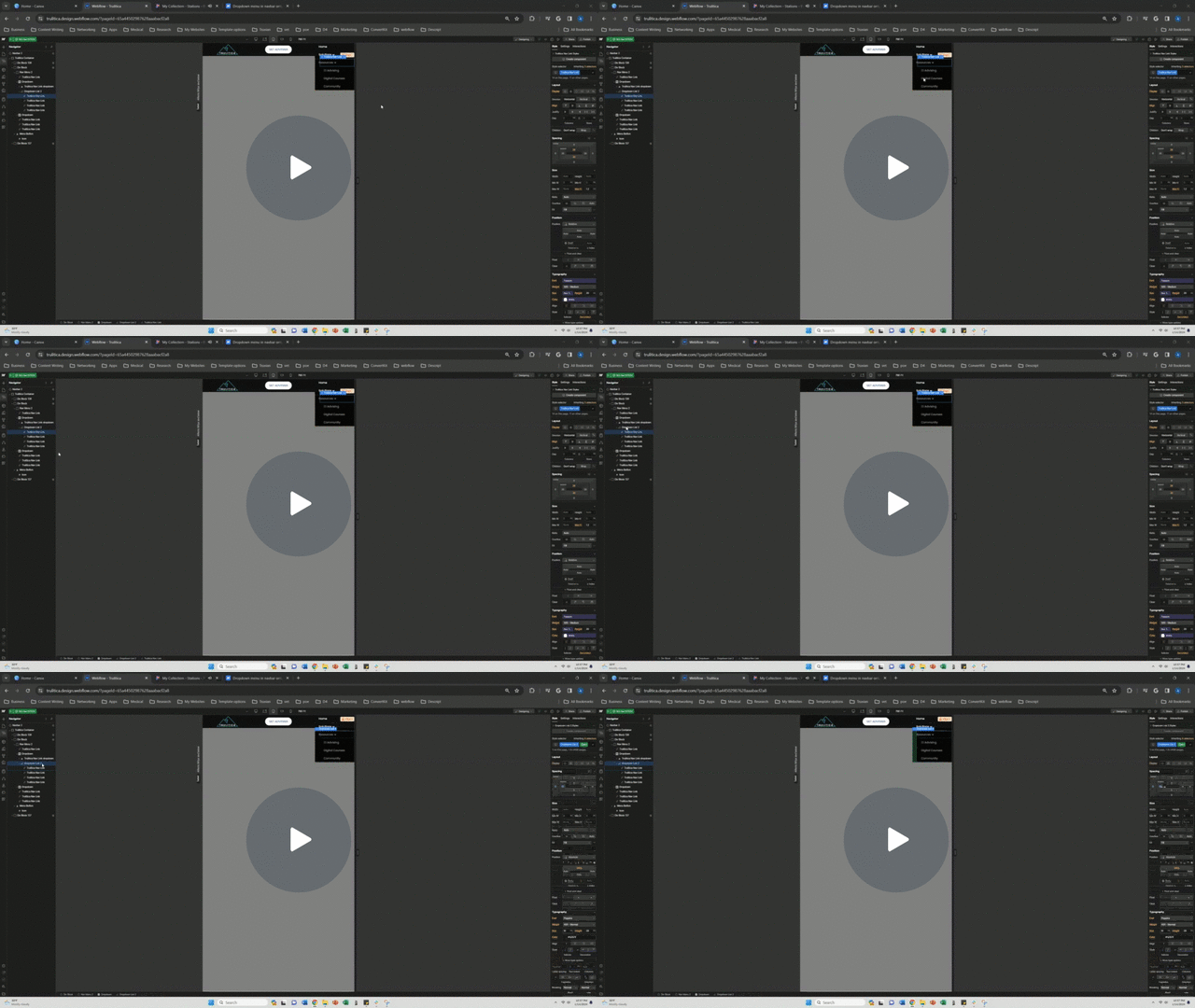
I just got rid of the offset from the absolute positioning, and instead added padding to make the submenu indent a little below the dropdown. Here’s what it ended up looking like.