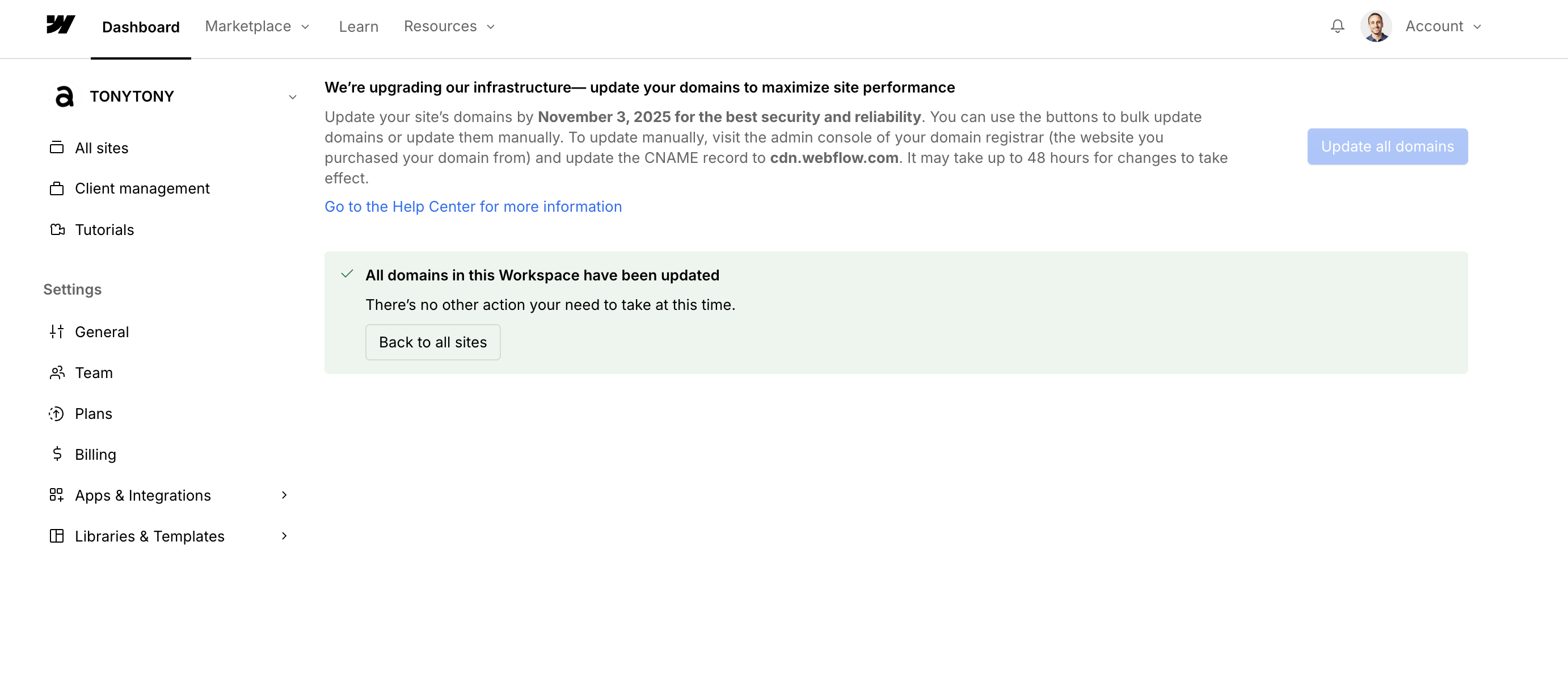
I have updated all my websites DNS setting to match webflow’s new requirement, yet i still see this yellow warning eventhough when i click on “Review all domains“ webflow displays a message: “All domains in this Workspace have been updated“. Were there all really updated ? Am i missing something ?
If you’re seeing an “Update needed” status in Site settings > Publishing > Production while using Cloudflare’s proxy (orange cloud), this is completely normal. This happens because Cloudflare’s proxy service masks your DNS records, preventing Webflow from directly verifying them. As long as your site is published, loading correctly, and you’ve received the “All domains in this Workspace have been updated” confirmation, you can safely ignore this status.
Hopefully this helps! If you still need assistance, please reply here so somebody from the community can help.
Are all sites now ready for migration to Cloudflare? I no longer see any information about this in the dashboard. Over the last two days, I’ve had two sites where the migration to the new DNS setup failed, and we had to revert back to the old configuration. There was no indication on these sites that they weren’t ready for migration.
Hi everyone, I’m looking for some clarity on the same domain issue as well. I’ve already updated the CNAME record on Cloudflare to match the new recommended settings, but Webflow is still showing an error message (image below) saying the domain needs to be updated. I’m an enterprise Cloudflare user, and my A and CNAME records from Webflow are currently proxied in the DNS settings, and been working for the past 3+ years.
Is there a specific adjustment I might be missing on the Cloudflare end to get Webflow to recognize the update? Has anyone dealt with this successfully and could share what worked for them?