We have found the cause of the issue you have, and have a fix for you to try.
Please try these steps:
-
Load the
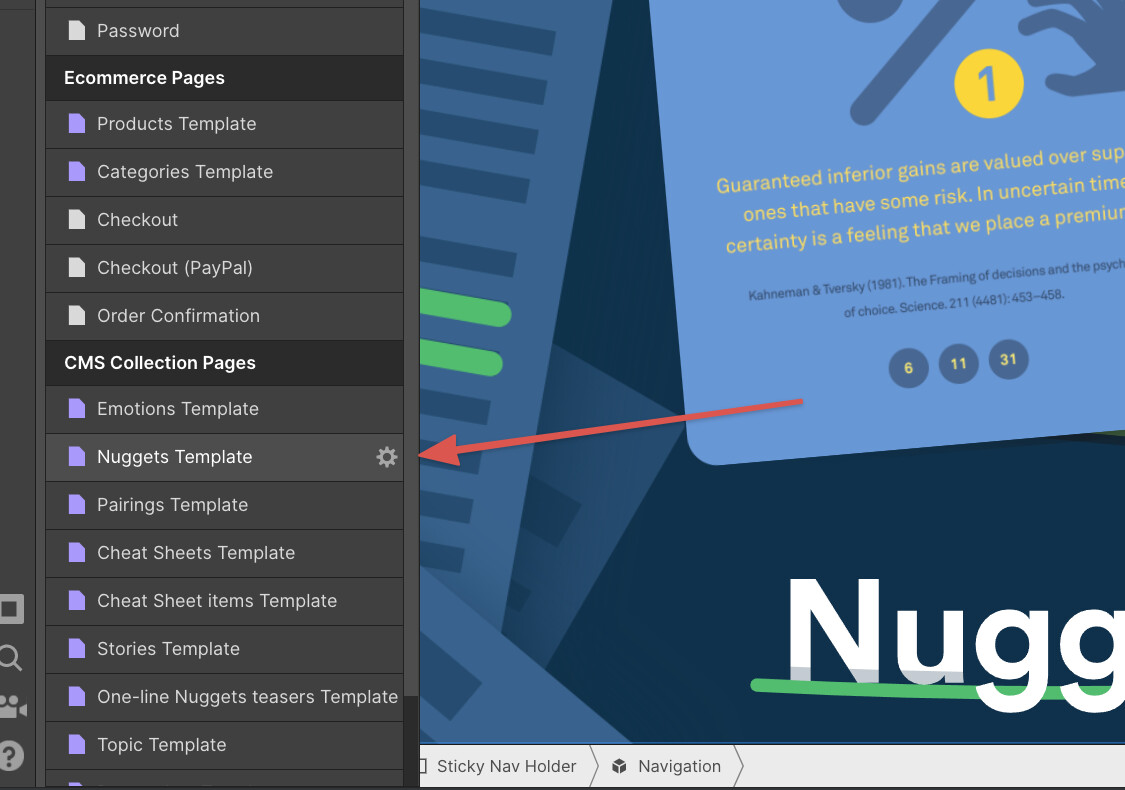
Nuggets TemplateDynamic page (refreshing right now on this page would crash the designer)
-
Select the Navigation symbol (don’t enter it)
-
Go to the settings panel of the symbol
-
Find the
Textoverride field, you should see the wordtempin the field -
Edit the field (type something else in there for now) the override label should turn blue
-
Now Click the blue override label, and remove the override. (so it should now look like the below)
-
You should now be able to refresh the designer without it crashing
-
Now Publish, and you should not have 404’s any more

The site should render those links again as expected. We are pushing some fixes shortly to stop this happening in the future.
Please let me know how you get on 
