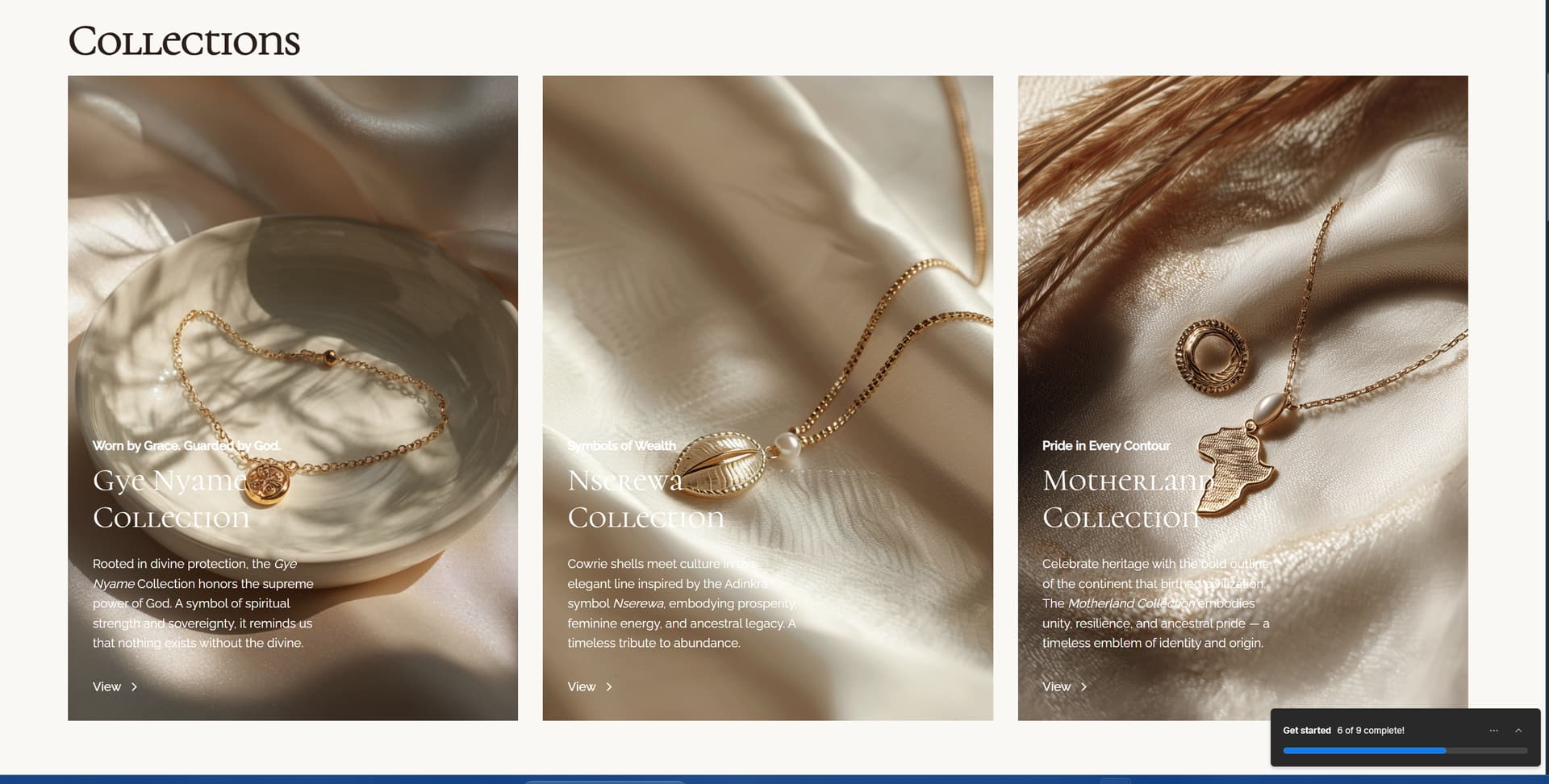
I was hoping to get assitance with two section the first screenshot is of my jewlery eccomerce collections list, i have 5 more collections that need to be added but and i want to be able to scroll/ click an arrow to depict the other collections, i tried duplicating one of the 3 cards but it wasnt doing what i needed it to. Also the second screenhot is to diplay categorys for my jewlery but im struggling to put the text direcly over the cards, i dideally want it to be a feature where when the mouse hovers the text is either underlined or highlighted.

1 Like
Hi there,
For your jewelry collections, you can create custom pagination using Collection lists within a slider. Here’s how to set it up:
The slider method allows you to display your collection items across multiple slides:
- Add a slider element to your page
- Set the slider’s background to transparent
- Enable number labels for navigation
- Hide the default arrow navigation if desired
- Add Collection lists to each slide
- Set an item limit per Collection list (e.g., 3 items)
- Adjust the Skip value for each subsequent Collection list to display the next set of items
For category cards with text overlay, you can create hover effects using Webflow’s built-in interactions. Add your text as an overlay element, then create a hover interaction to trigger your desired text styling effects like underlining or highlighting.
Hopefully this helps! If you still need assistance, please reply here so somebody from the community can help.
1 Like
I am still struggling with this , i havent set up collections on webflow im sing shopify alonside webflow , im not sure if that makes a difference but is there another way to do this?
1 Like