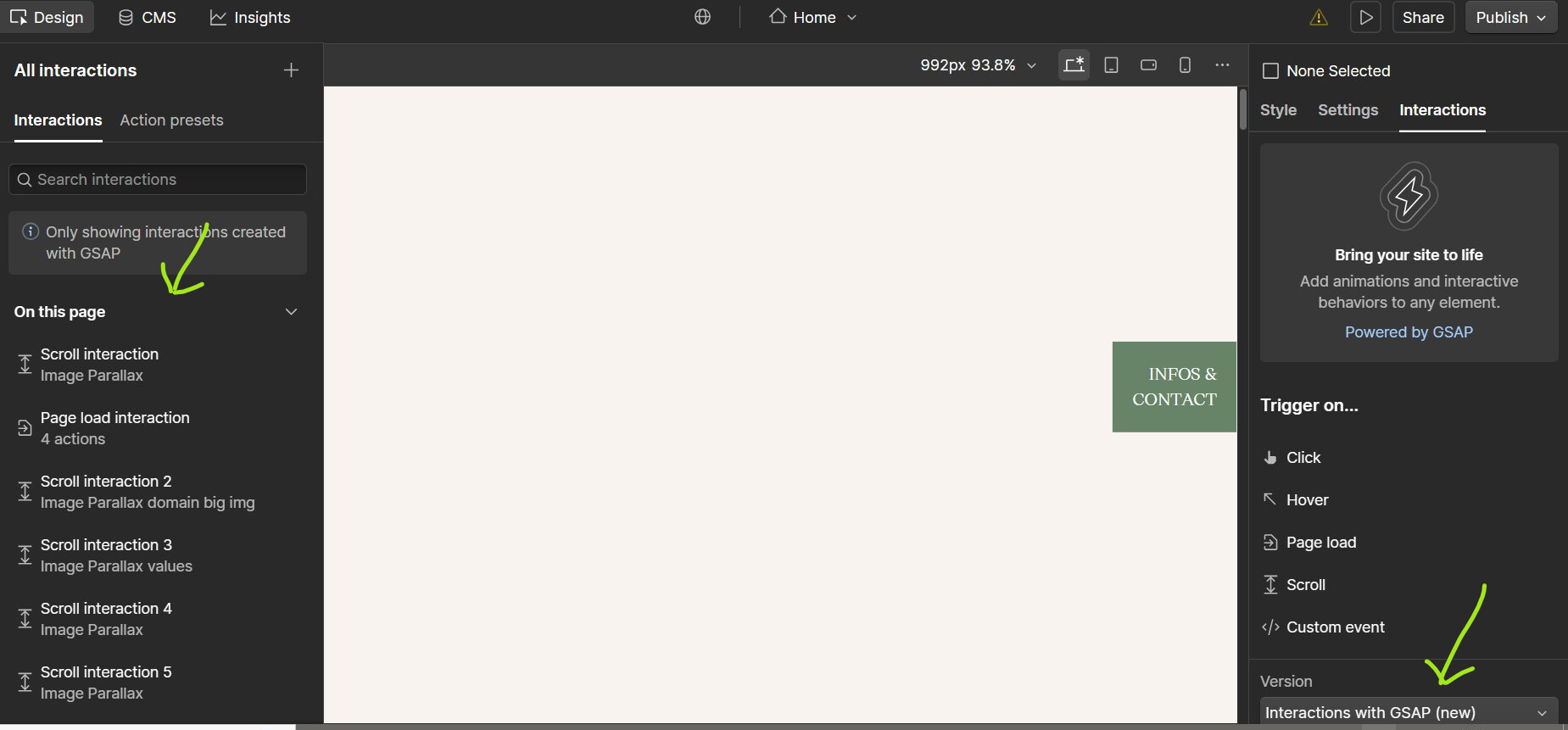
Here is my site Read-Only: LINK
Hello everyone, I really need your help with this sticky Webflow situation!
A client transferred their website to me, asking me to work on various things, including the interactions. The problem is that the animations weren’t created using Webflow’s native Interaction panel (IX2).
They are apparently managed by an external GSAP/ScrollTrigger script, with Custom Attributes added to the elements, for example, data-anim="slide-up"(and there are some elements appearing and moving and I have no idea how, so I can’t edit it, like the hero section for exemple)
The Problem: The Script is Missing
-
When I launch the site in Preview Mode, I see all the ScrollTrigger “start” and “end” flags, confirming its use.
-
I have checked every standard location:
-
Project Settings (Header & Footer Custom Code)
-
Page Settings (Header & Body Custom Code)
-
HTML Embed Components (on the canvas and inside Symbols/Components)
-
-
I found zero scripts mentioning
GSAP,ScrollTrigger, or even the custom attributedata-anim.
The Crucial Clue
When I launch the preview WITHOUT enabling the Project Custom Code, all the flags and interactions are not disappearing.
So I don’t really understand, apparently it has been compiled/minified into Webflow’s generated JavaScript files (webflow.schunk...) and is therefore invisible within the Designer interface?? (from chatgpt)
My Goal
I want to either modify the existing script (to adjust animation timings/distances for things like data-anim="slide-up") or delete it completely to switch to native IX2. In both case my primary goal is to find the custom code and understand it.
Has anyone dealt with this “phantom” compiled code issue before, and what is the best way to find it or, failing that, to forcefully disable (Kill) it?
Thanks in advance for your valuable help!