Hi Paul, in order to unlock the CMS source, you must edit the elements inside of the Collection Item and remove any references to CMS fields.
-
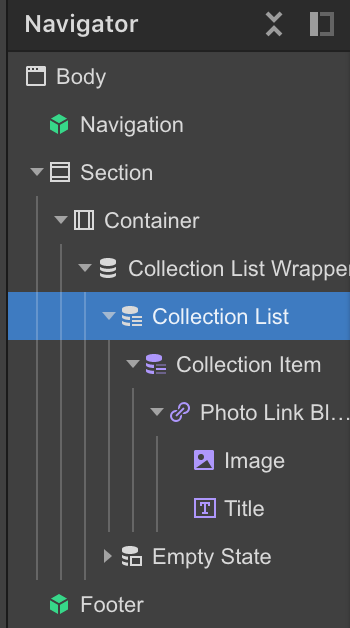
Find all the purple colored elements underneath the Collection Item element.
-
Remove the reference to the CMS field, in this case, just uncheck the box.
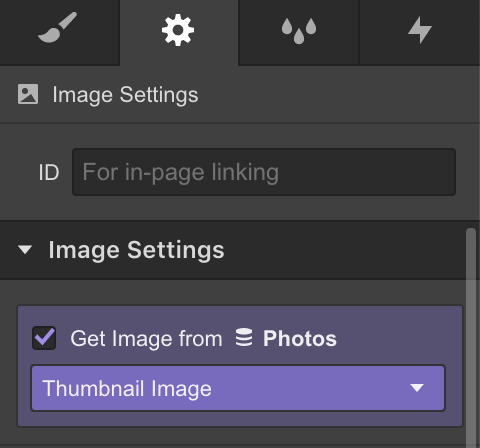
-
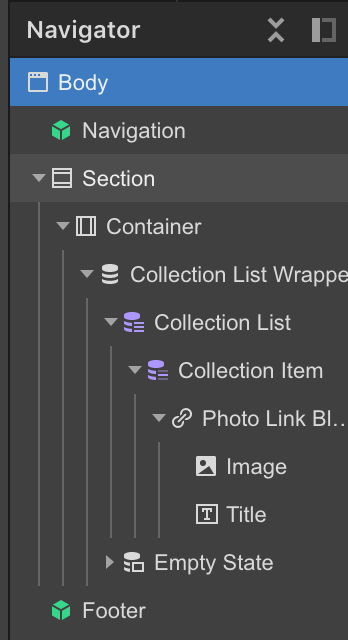
Once the Collection List and Collection Item are the only purple elements remaining, you’ll be able to change the CMS source.
Hope that helps!