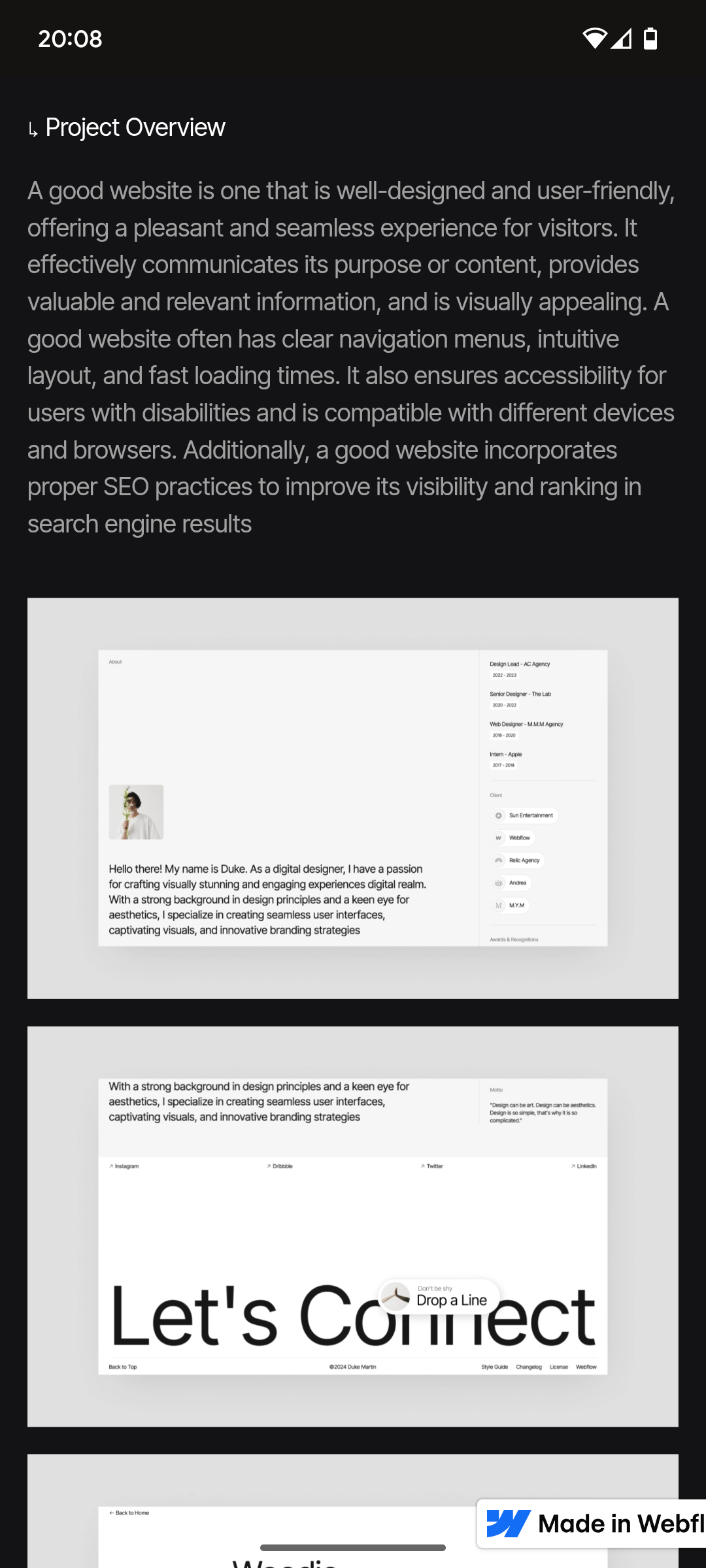
I’m using the Kai template. I didn’t realise before purchasing the project pages weren’t individual static pages but instead each project thumbnail links to one CMS collections page. This works ok for me other than the fact I can’t annotate my project images. The images come from the image gallery so just show one after the other. I want to have a header and body copy under each image to describe what I’ve done in each image. What way can I get around this?
I looked at creating a static page for each project in the same style as the CMS collections page but I can’t copy any of the elements over and would have to design them from scratch which I can’t because I’m a novice, also it would make me buying the template obsolete. Any help would be greatly greatly appreciated.
See image below. I want that header text (Project overview) and body text to in between each image as well so I can annotate e.g H-Wireframes. B-First I created lo fi wireframes etc
Wait! Maybe i’ve found the solution. I’ve been looking at a different paid template and how it is built. It also uses CMS collections however instead of using a photo gallery it uses individual images. In-between these images I can put a put a text field right? The free version of webflow won’t allow me to experiment and find out.
If someone could let me know if that’s possible? Also would I have to have the same amount of images per project? Or would I be able to have 8 on one and 5 on another if I just leave the fields blank?
Here’s the reference image I’m looking at, it has separate image fields that I can add text fields in between (I hope)
Webflow should allow for experimentation so users can see the capabilities it has before purchasing. I feel confident that I can do the above but after buying a template that wasn’t what I thought it was I’m burnt.
You can build any arrangement you want with the free starter plans, just no custom code.
If you’re referring to the template itself, those belong to the artists who designed them. Readonly links do allow you to do simple edits to a project, without saving them. That should be the case for template preview as well. You likely can’t data-bind, but you can create elements, change styles, and get a general idea of the approach you’ll take.
Otherwise, just clone a free template and edit that to test out your concept.
When you’re using a multi-image field you don’t have a lot of options for between-image insertions. Better to go with a CMS setup that’s one image per row, so you can define a text field as well.
Go through Webflow University, focus on CMS, ref fields, image fields, collection lists + sorting and filtering them. This is a straightforward build but you need to learn the tools first.
Hi Memetican, thank you for your reply. I’ve been through the webflow university a few times but there are so many ways of building a website and adding content that I get lost. Also it’s hard to find one that directly addresses the thing I want to do.
I think I’m going to try your one image per row with a text field suggestion no I know it’s possible. I just hope webflow allows me to do so. With the free version it’s not allowing me to adjust the CMS set up e.g remove the gallery and put image - text - image -text etc…
Ok I’ve figured out how it works using CMS collections using text fields - image etc… on my second free test site. But I’m confused as to why this template won’t let me edit the fields, free allows for 20 fields and this only uses 11 fields? The paid plan also only allows 20 so I’m worried I’ll purchase and will still be unable to edit or add fields.