Hi everyone,
My question is: how can I make a smaller/larger text-size buttons using jv or, better, webflow interactions?
Thank you!
Hi everyone,
My question is: how can I make a smaller/larger text-size buttons using jv or, better, webflow interactions?
Thank you!
Hi Piter,
I’m now working on my blog page, and thought that the text size might be small to read for some people.
So I was looking for a way to create this button, but I don’t have much of JavaScript knowledge.
See the image below for an example.
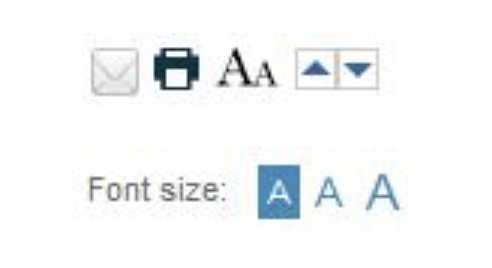
Thanks!
Ouuu I see. You want people to have the option to change the text size for the whole site.
Not exactly, the blog text only. 
I’ve made something > https://font-size-button.webflow.io/
Keep in mind that I’m not a code master  Just trying some things from the internet. The solution you see here is increasing or decreasing the font size for elements with a class of p-blog-post. You can see that the line height is not changing so this is a problem.
If you set the line height to 1.5 (Relative unit) for example instead of fix size (24px) you solve the “line-height” problem.

p {
    line-height: 1.5; /* Computed line-height: 24px (1.5 * 16px) */
}
Brooo! Thanks for this! You da best Learned something today 
That’s perfect, Piter!
Can I have the read-only link?
lol i love this as the parameters for your str_replace function: haystack, needle, replacement
clever
Thanks a lot, man!
Really appreciate the help. 
Please mark @PeterDimitrov main answer as solution (For future searches about this topic). Thanks
Hi Piter, thanks so much for this solution. I was wondering how I could include this on my own webflow page for accessibility? I’m a bit new to webflow and so far I’ve managed to clone it and copy it, but when I change to ‘view’ the button doesn’t change anything
