Hi guys,
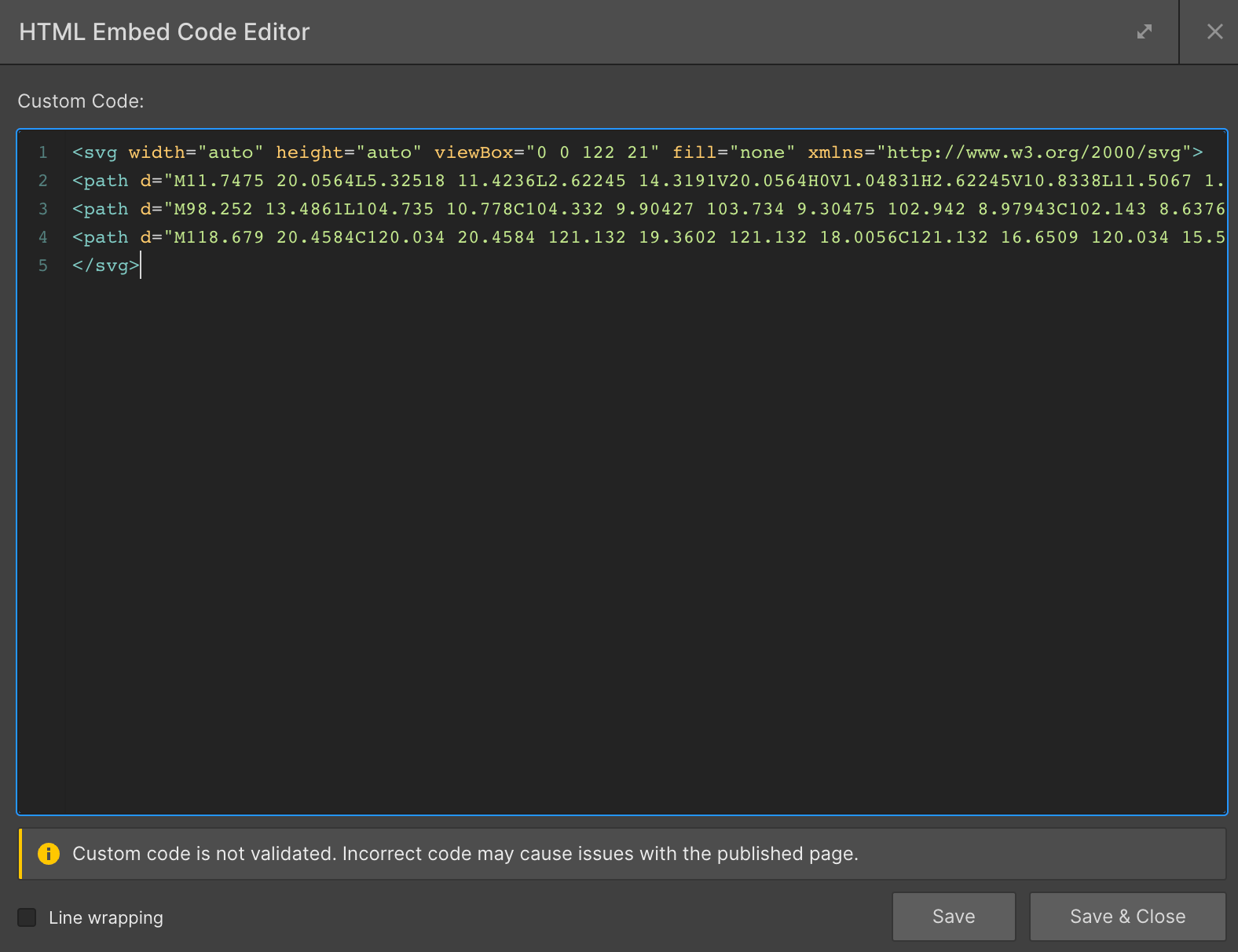
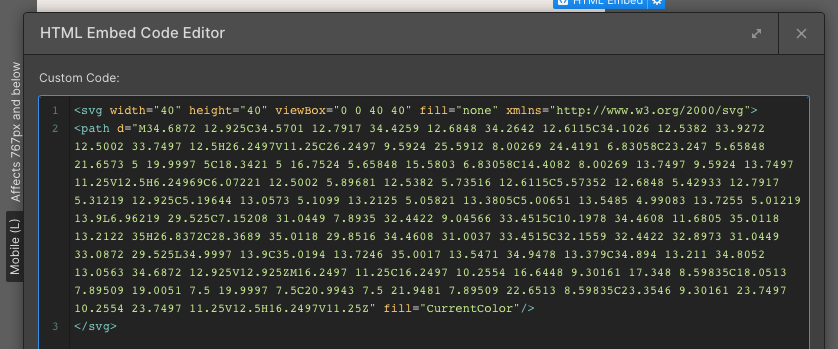
so I’ve recently realised you can use html embed and paste the code of a SVG straight from Figma. Nice. But it seems to be fixed to the size as it was in Figma, rather than the size I give the html embed in Webflow. How can I change the code to react to the width and height given in Webflow?
Thanks guys and girls