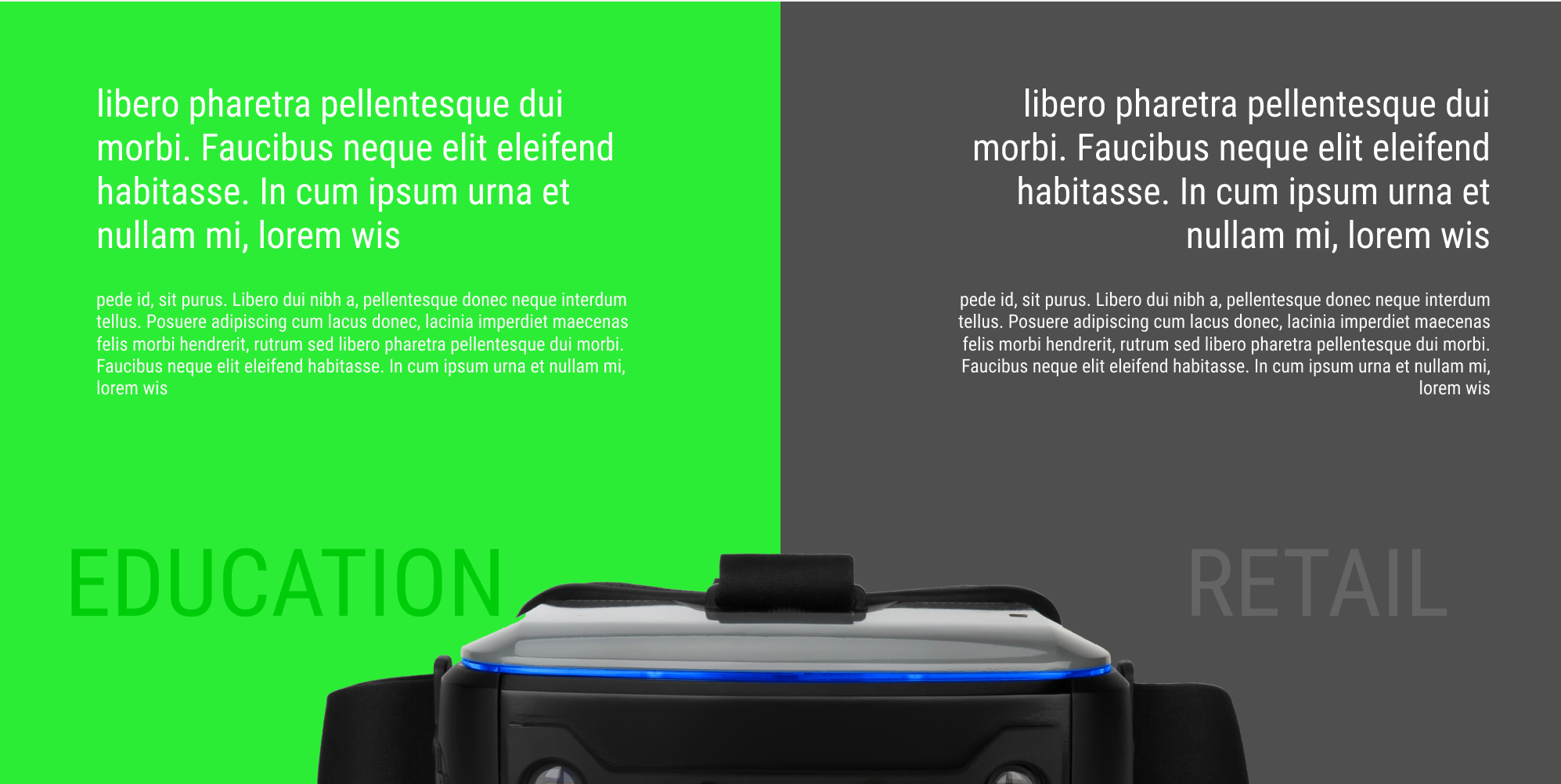
Hi, Guys so I am trying to achieve the following
I have to div blocks to create the two sides of colors but I can’t seem to create the middle image overlap of the goggle, I’ve tried everything. Should I be using to div blocks and then another div block on the bottom? Please help
Here is my public share link: LINK
(how to access public share link)
Hi. Its hard to know how to solve this by screenshot. You can use BG image. image with position absolute (the image will overlay div 1,2). Flexbox. And endless options.
The easiest way is to use png (transparent image) and align this image and use negative margin
Try this stackoverflow Q:
https://stackoverflow.com/questions/31011218/how-to-center-an-image-over-2-divs
https://stackoverflow.com/questions/11151164/how-to-put-image-on-the-top-of-the-div
Try this. Than ask again (and add link to your site).
Good example:
only change to this code:
#circle{
    width: 100px;
    height: 100px;
    background-color: black;
    position:absolute;
    left:0;
    bottom:0;
    right:0;
    margin:auto;
}