As you will see in the attached file there is a link on my website I would like to change link (Case study) but I couldn’t see link section
on the left menu tools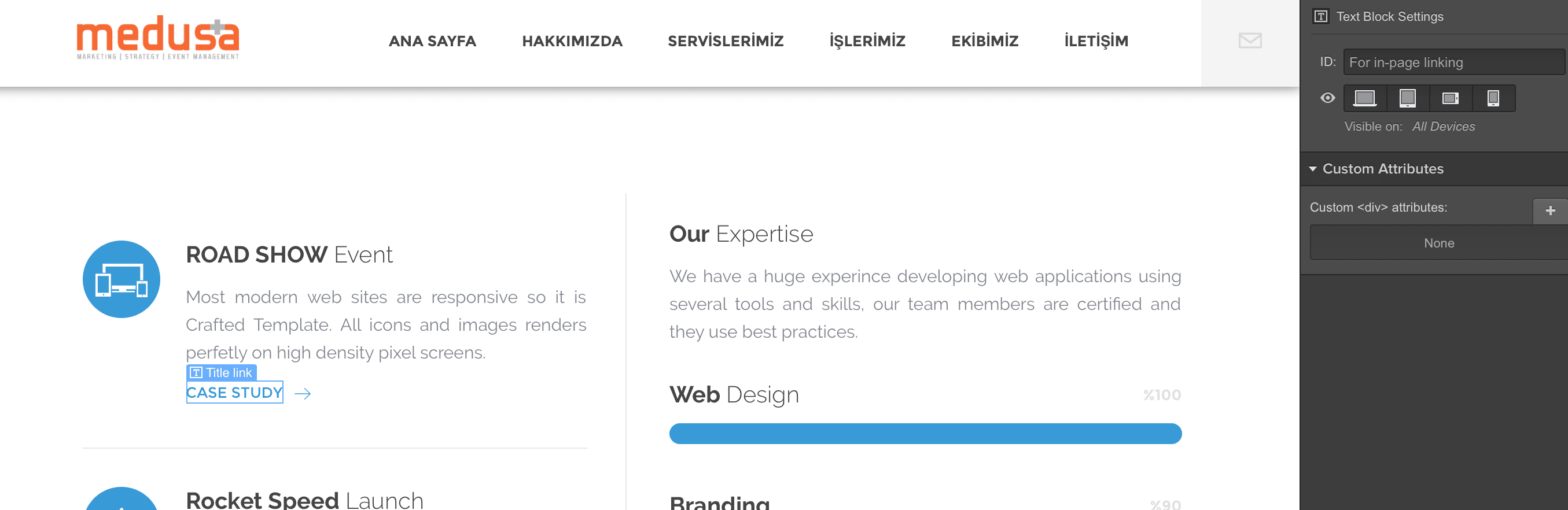
I think it’s a text Block that’s why…
Try surrounding it with a link block…
But this is a template and when I click it it’s working
Could you share the site read-only link: Share a read-only link | Webflow University
That way I can see what’s wrong
The text block is already wrapped in a link block…
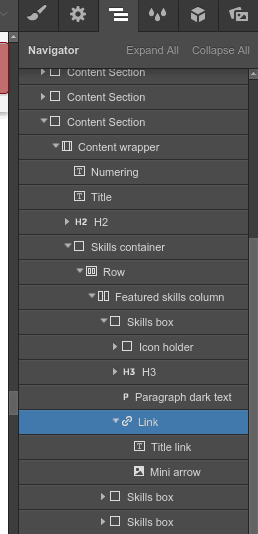
Select the link node and the click on settings to change the link location

Hope this helps 
1 Like
thank you I have just find it and did:)
Hi Tmess
Maybe you can help me again
https://preview.webflow.com/preview/medusaplus?preview=12742cfc25d7ebd8d3db209824f8d447
I would like to add video from vimeo to case study page as Turkcell 8.GNCFEST page under the images section. I add a div blog than video but when I add the vimeo link The vide is very big how can I downsize it ?
I want to see the video box a little bigger than the images
Thank you
You can set the width of the video…
Click on the video
Go to styles tab
Set the width of the video…
But… I would suggest putting it in a container… I think that would look better…
Also if you have time you could add a thumbnail of the video in the images section itself and provide a play button on the thumbnail… then, on button click, Open a modal Pop Up with the video …
That would look great
Thanks Tmess
I dit it 
This topic was automatically closed 60 days after the last reply. New replies are no longer allowed.