Full Width Dropdown Menu

Hey All!

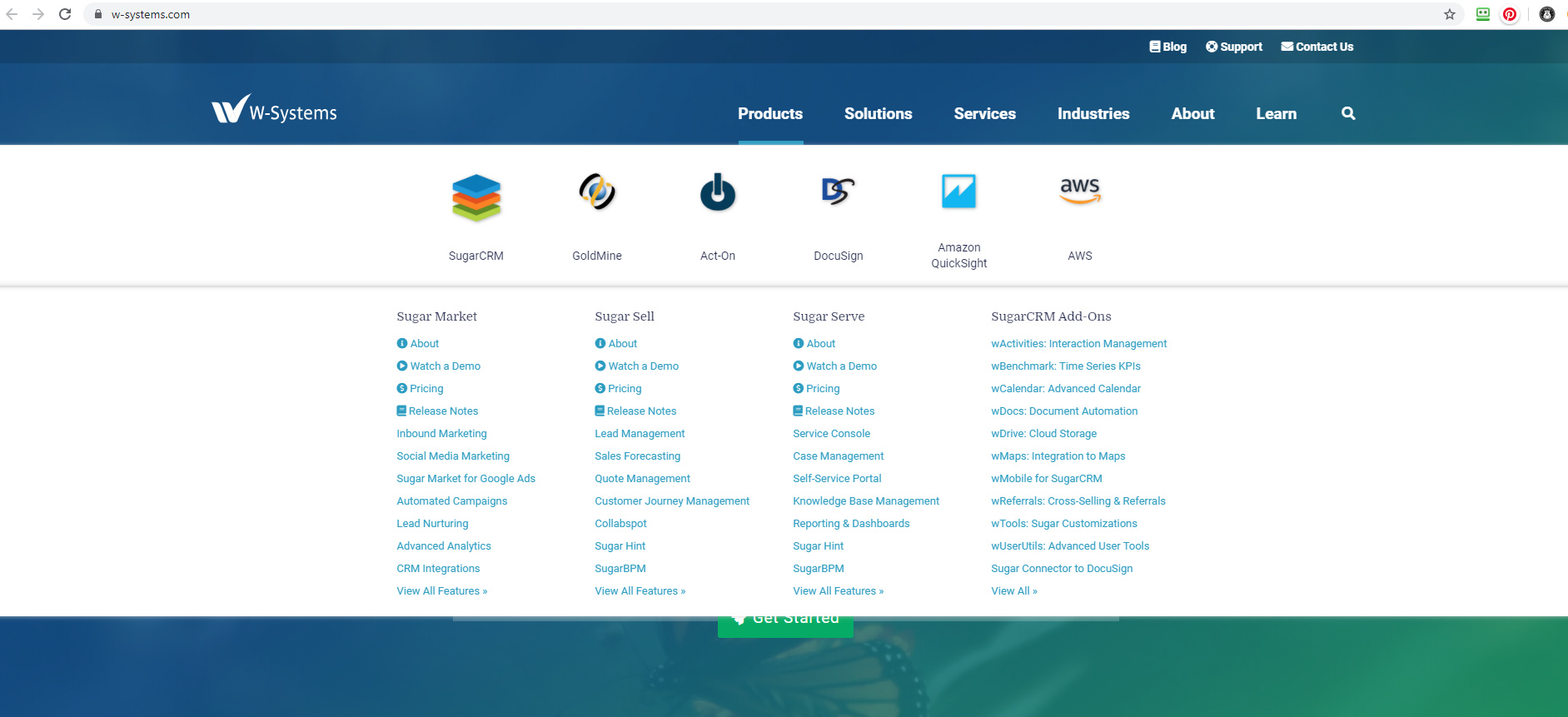
So I want to make the dropdown menu 100VW but it stretches off the screen, I tried changing it from absolute, but it just went all over the place lol I’ve attached a screen shot of what I am trying to do and I was wondering if there was an easier way for me to do this!!

FullWidthDemo|690x315


Here is my site Read-Only: LINK
(how to share your site Read-Only link)

Found a solution for ya,

  • Click on the Products menu item and then go to settings and click “Open Menu

  • Right click on the dropdown items and choose Select Parent and then select DDMenuFullWidth

  • set DDMenuFullWidth to FIXED instead of absolute and then re-set the VW to 100

Then edit the menu as you like, it will know open in full-width and will not go off screen

okay so I did that, but even when its set to fixed with 100vw it still stretches off the screeen

@Sam_G

I tried that but if you see my screenshot it just goes off screen

Hello, I had this same issue and I figured out to solve this issue you set the position to 0 on both sides instead of auto.

Thanks for sharing that.

What happens when you scroll with the menu open, does it remain fixed in place? That seems to be the only downside to making a dropdown menu full width using fixed method.

Yes I see the issue now. Hmm very interesting I will definitely have to fix this issue. Thank you for letting me know!

Did you find a solution for this?

Hello @nate199 I didn’t find a solution for this but I’m sure there is a Webflow expert that can help you if you are having this issue.

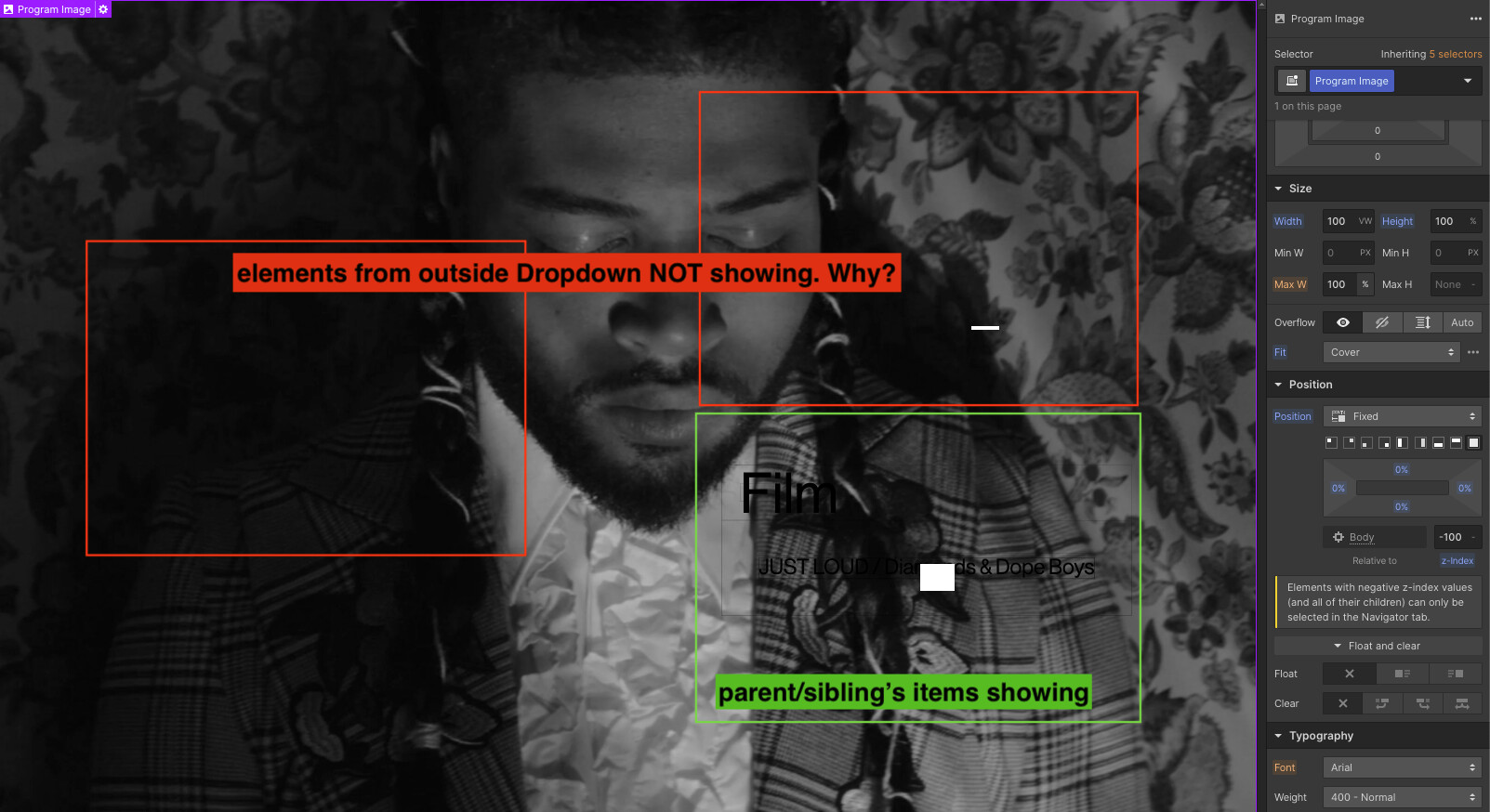
I was going thru this same issue and solved it using position: fixed and setting margins to 0. Now, I need it to be below all items on my website (cause it’s like a bg image) so I set it to z-index: -1 but it only goes below the parent element and not the whole body. Any thoughts???