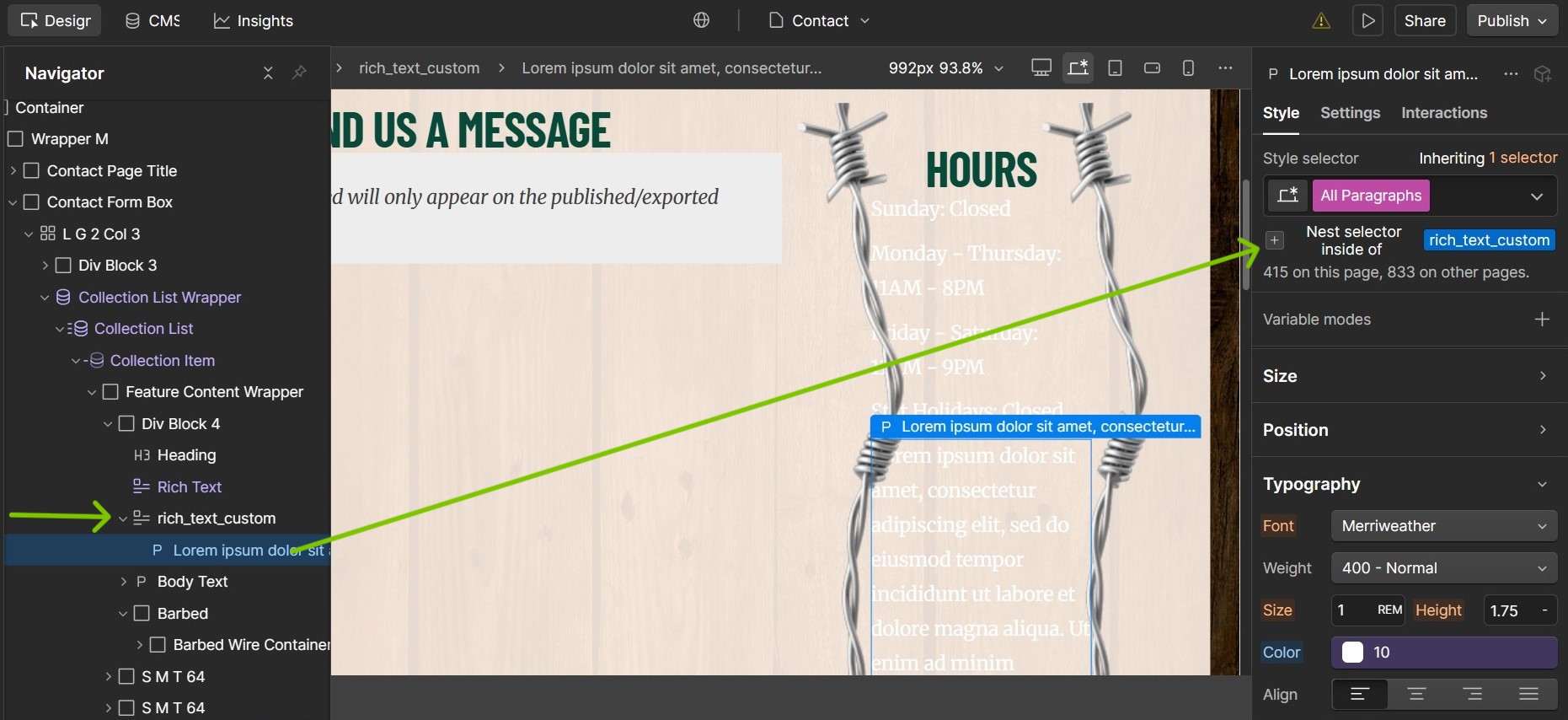
I am having an issue with styling Rich Text in my cms. I’ve already set the default “all paragraphs” class to a white colour. This is shown in the footer, but in my contact page, I need to use the same cms to show the information but I need it in a darker colour, but upon adding a class to that specific rich text block, the text color does not change. I’m assuming it is because I have already set that “all paragraphs” class to white, but I’m unsure how I can apply different text colour to this specific rich text.
You can then delete the additional rich text block created for this purpose. Setting it up like this should ensure the paragraph elements inside the rich text with the custom class is shown in the color you have set accordingly.