radmitry
May 5, 2017, 9:04pm
1
Hey everybody.
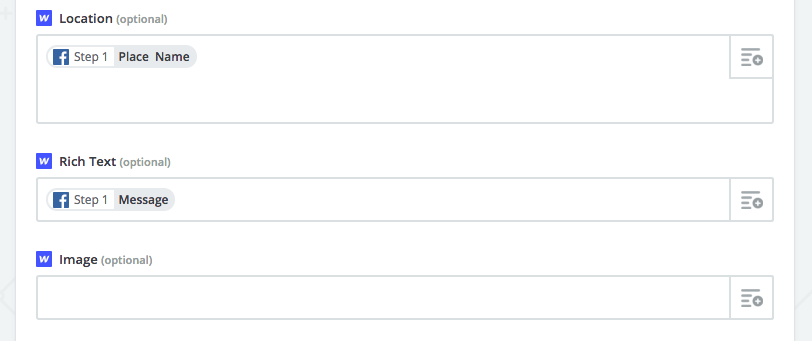
I’ve connected Facebook Page posts Webflow’s collections through Zapier. It works perfectly, however when I’m inserting Facebook message field into a Rich text field in Webflow all the links become just plain texts.
Zapier’s support confirmed that Facebook sanitizes the data to plain text.
So I thought maybe there is a Javascript workaround to find all links in Rich text box and convert them to working URLs? I’ve tried some stuff from stackoverflow but haven’t been successful. Any ideas?
Here is my project https://preview.webflow.com/preview/rcbl?preview=b9d595e5af13c9bdf2d5ebe962ee6e64 (see Feed page)
Thanks a lot in advance
1 Like
Hi @radmitry , one solution is to use a little jQuery plugin called Linkifyjs: http://soapbox.github.io/linkifyjs/docs/#quick-start
To get this to work on a Webflow site for a rich text box, give the rich text box a class name, like “my-rich-text”:
Next, with the Rich Text Block still selected, go to settings tab and add a custom data attribute:
Name: data-linkify
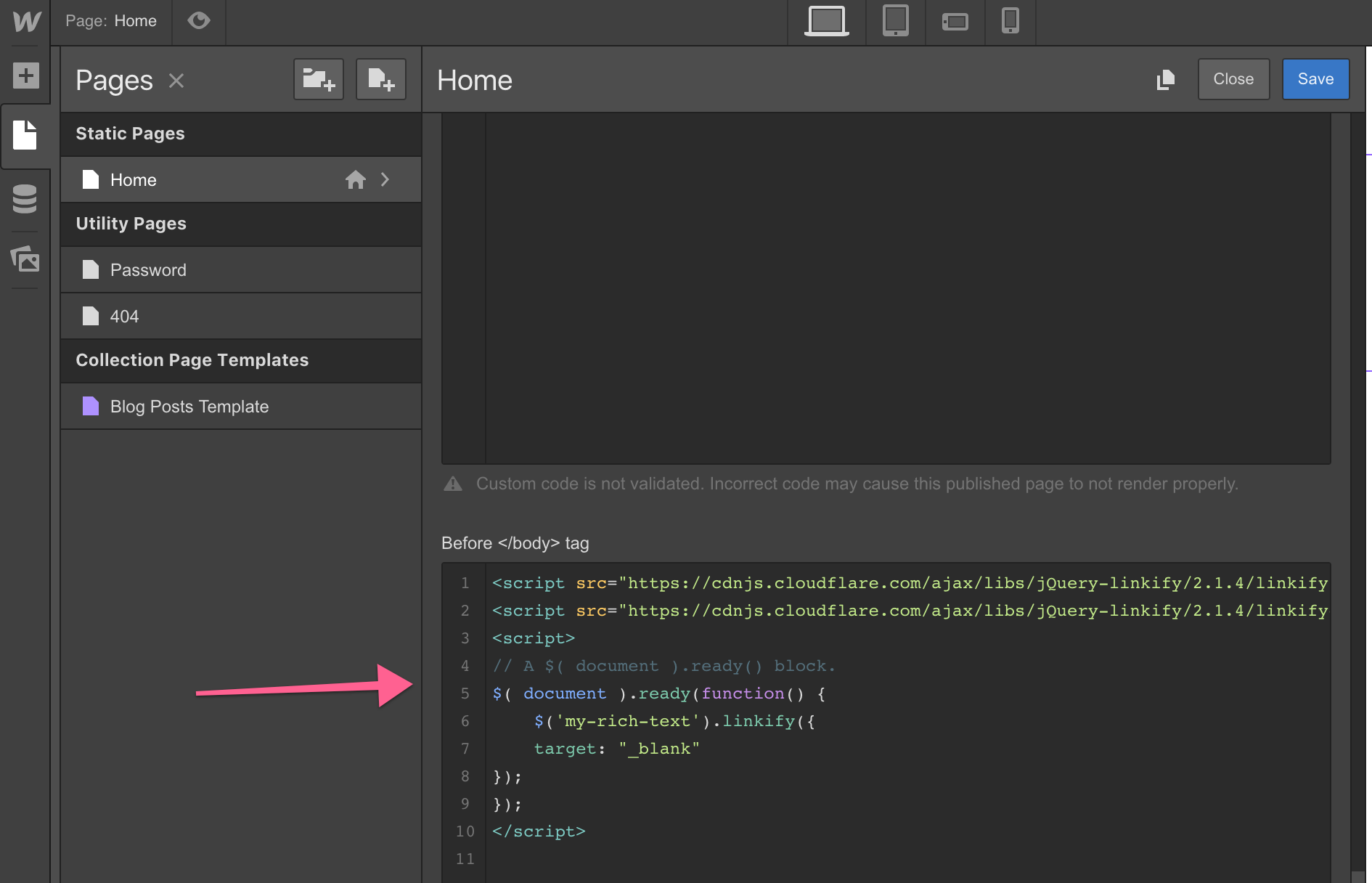
Click Save to close and then open the page settings to insert the linkify custom code in the before body tag:
Assuming the class name of the Rich Text Block is “my-rich-text”, the code to load the plugin and to linkify the text in the Rich Text block would be:
<script src="https://cdnjs.cloudflare.com/ajax/libs/jQuery-linkify/2.1.4/linkify.min.js"></script>
<script src="https://cdnjs.cloudflare.com/ajax/libs/jQuery-linkify/2.1.4/linkify-jquery.min.js"></script>
<script>
// A $( document ).ready() block.
$( document ).ready(function() {
    $('my-rich-text').linkify({
    target: "_blank"
});
});
</script>
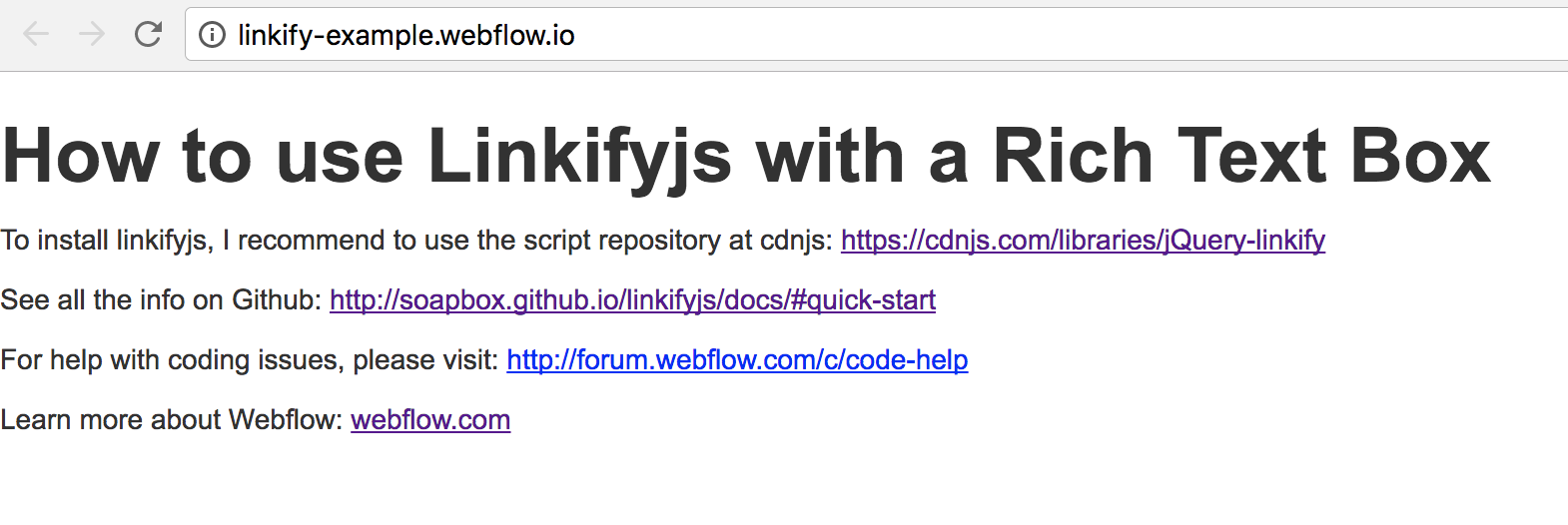
The script will only render on the published site, links shown in the designer will not be shown:
Editing the collection item:
As shown in the designer:
As shown on the published site:
Here is a link to an example that can be cloned if it helps: https://webflow.com/website/Using-Linkify-jQuery-Plugin
I hope this helps!
Cheers,
2 Likes
radmitry
May 6, 2017, 7:50am
3
@cyberdave Wow! I thank you from the bottom of my heart. You really spent time on explaining all and it works like charm! Installed in 10 seconds
P.S: note to self, search on GitHub next time, I always forget about it
1 Like