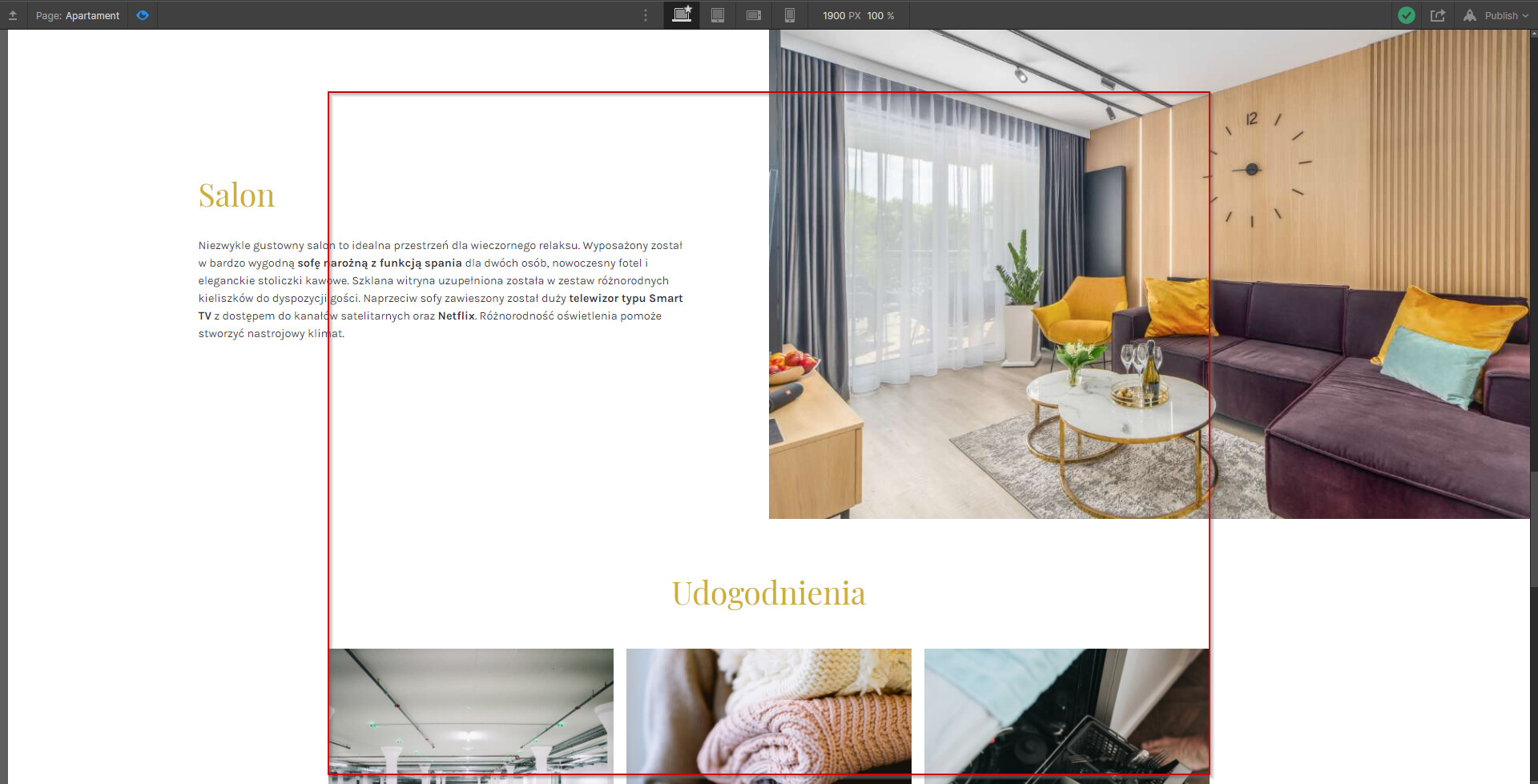
I want to have one side full-width image and on other side, I want to set textfield into container width. At the moment I set padding-left: 30%. But I am not satisfied.
What is the best way to do it?
Don’t use a container. Use a div. I’d recommend using a wrapper with 2 divs inside with the outer wrapper set to flex or grid with side by side 50%. Then you can apply a background image set to cover to the right div. Hope that helps!
Hi @Made IMO the principle of how it should be structured is there, the rest (positioning) only require basic CSS knowledge and how to use WF.
I will suggest visiting WFU to learn more about this platform and also learn some barebone basics about HTML and CSS will help you to understand how things should be done.
PS: You can always create a new request with the required links and appropriate description if you can’t find any solutions on forum or in “made in webflow” examples
Anyway, for people stumbling on this tread with the same question.
I solved it with a div (flex layout, position: relative), in here 2 wraps, one for the paragraph (100% width, with your max width) set the paragaph to 50%, and the other wrap for the background image (width 50%, position absolute).