scott
February 17, 2021, 7:34pm
1
Hello!
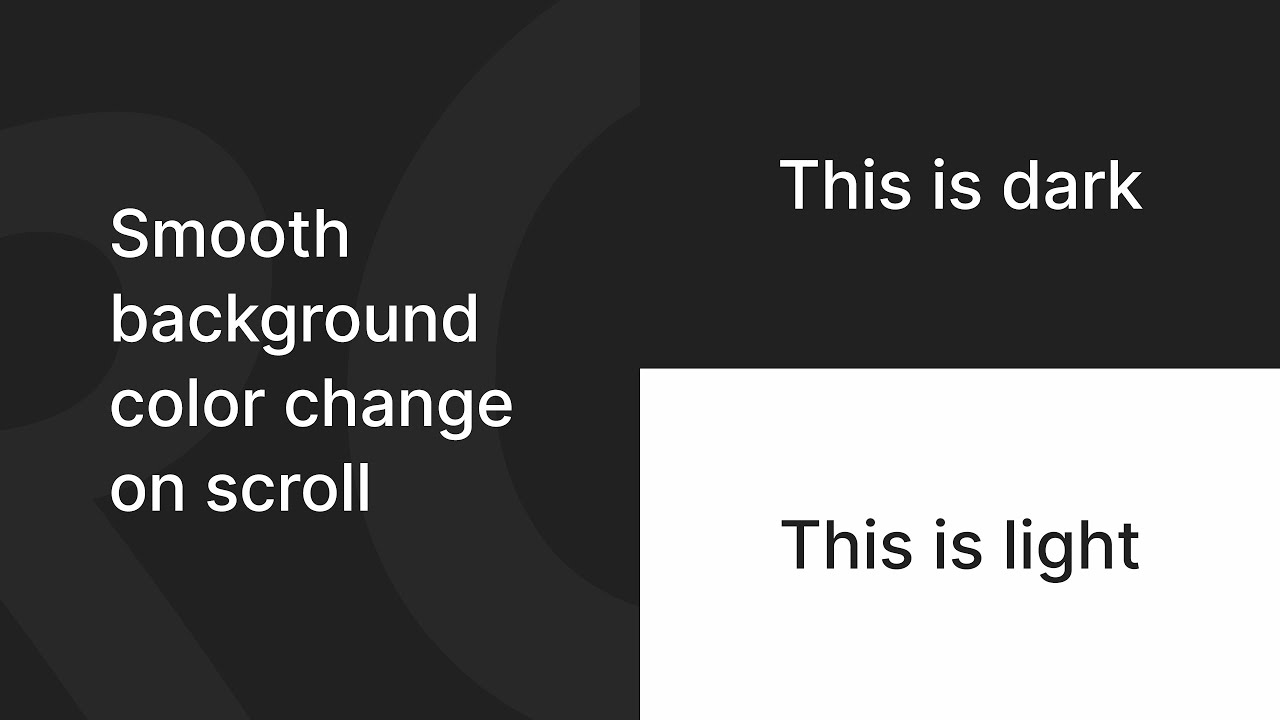
Would be amazing if someone could help me with this. I am trying to make a site where the background colour changes when scrolling. Just like in this example and tutorial. https://webflow-lernen.webflow.io/change-background-color-on-scroll
However it is in german, and he is not showing how to do it from scratch. I have followed other tutorials online as well (but they are old and Webflows user interface has changed since).
I can’t manage to create the sections and div blocks/background colour elements correctly.
Would massively help me if someone can explain how to do this. And would really be grateful.
Thanks,
Here is my public share link: https://preview.webflow.com/preview/upside-2-0?utm_medium=preview_link&utm_source=designer&utm_content=upside-2-0&preview=b511748e004bb8a56b70dd16d9d84cf2&mode=preview
Hey Scott.
Are you open for a custom solution that is more effective and simple to manage?
Let me know if you are interested.
Edit:
https://webflow.com/website/bg-interaction
scott
February 17, 2021, 8:20pm
3
Not sure I understand what you mean exactly, but that sounds good!
I made a short video about the interaction, check it out
scott
February 18, 2021, 11:13am
7
This seems to be old and not working anymore.
Nope. You are just not doing it the right way.
Hint: If you are not able to recreate this, Webflow might be not the right place for you.
Great question.
There are quite a few ways to do this.
You can either opt in for Webflow native interactions, some vanilla JS, or GSAP.
Options are endless, really.
We’ve made a detailed guide on how you can do that natively in Webflow.
External Image Learn how to change the background in Webflow, including colors, images, and scroll effects. Follow this step-by-step guide to customize your site’s look.