I’m trying to add anchor links to an article so that readers will be able to reach different subtopics of the article easily.
The article is a CMS page, there is a whole collection tied to it and so I need each article tied to this collection to show a different set of anchors.
1- is there a way to add anchors using the editor?
2- if not, how do I do it using the designer considering the fact it is a CMS page?
I’m a newbie… any chance you can explain it as a step by step…?
I understand well how to place anchors on a regular page, but where would I embed the code you mention?
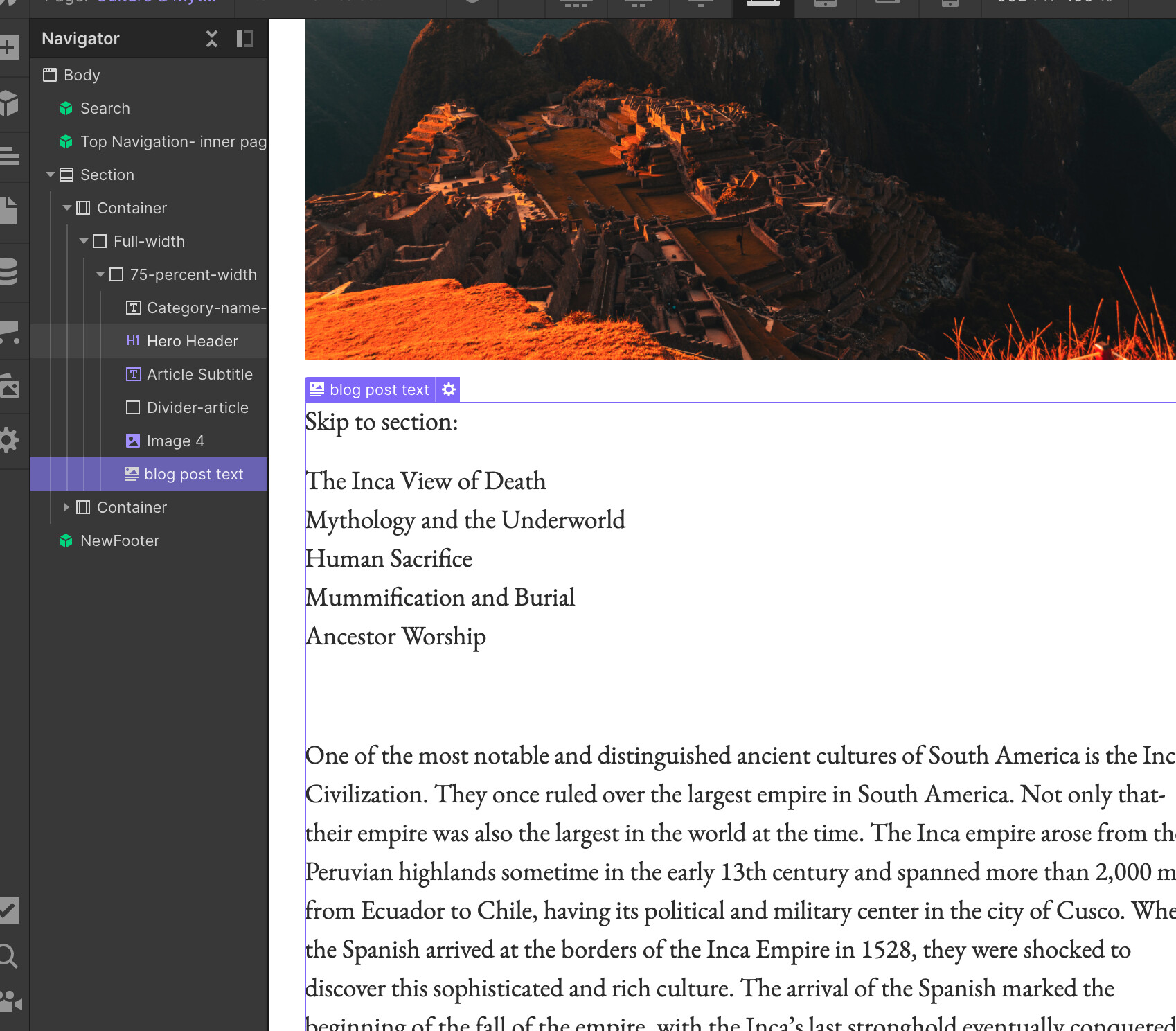
All the text on the page is positioned inside element “blog post text”:
Happy to help! You would add the anchors in the same place you edit the blog text. In the rich text editor there is a + sign where you can add bullet points and images etc. One of the options here is to embed code. So,
Open your blog post in the CMS
Find the place in the text where you want the anchor to go
Embed the anchor text using the code snippet I sent. Each time you add a new anchor point you need to give it a unique ID
Save your blog post
When adding the link shown in step two of the video you need to link to the unique ID you created for each anchor.
Publish your site and test the anchor links on the live site.
Hope that helps.
Thanks a lot!!
I followed your steps but I’m not sure what to do in step 5
What am I suppose to type for the link? As I understand, I’m supposed to stay in the CMS:
The first step is to add the ID “anchorlinkname” to your blog post. Do this by embedding the code in a similar way to the below code - embedding code is not the same as adding a link. In your screenshot you are adding a link but you should click the embed code option instead.
The second step is to add the “#anchorlinkname” to your menu so that when you click on your menu it goes to the ID “anchorlinkname” in the blog post.
Please follow the instructions for step two in the video I originally sent you. For step two just create a regular link that looks something like this.
#anchorlinkname
This will create a link from the menu to the ID you created in step 1.
The #anchorlinkname in your menu and the ID “anchorlinkname” in your blog post need to have the same name.
Remember to publish before you test to see if it is working because it will not work in preview mode.
A very basic understanding of the way regular anchor links are created may be helpful.
Hi @britishchap thanks for your code! I’ve gotten the anchor links to work, and so I can navigate from my table of contents to each individual section in my webflow CMS Rich Text Editor. However, it’s turning all of my text in the blog post teal, which is the color I have in my Style Guide for RTE hyperlinks. Is this related to the code snippet you provided? In other words, is the code impacting my normal paragraph font color such that webflow thinks it’s all a link now?