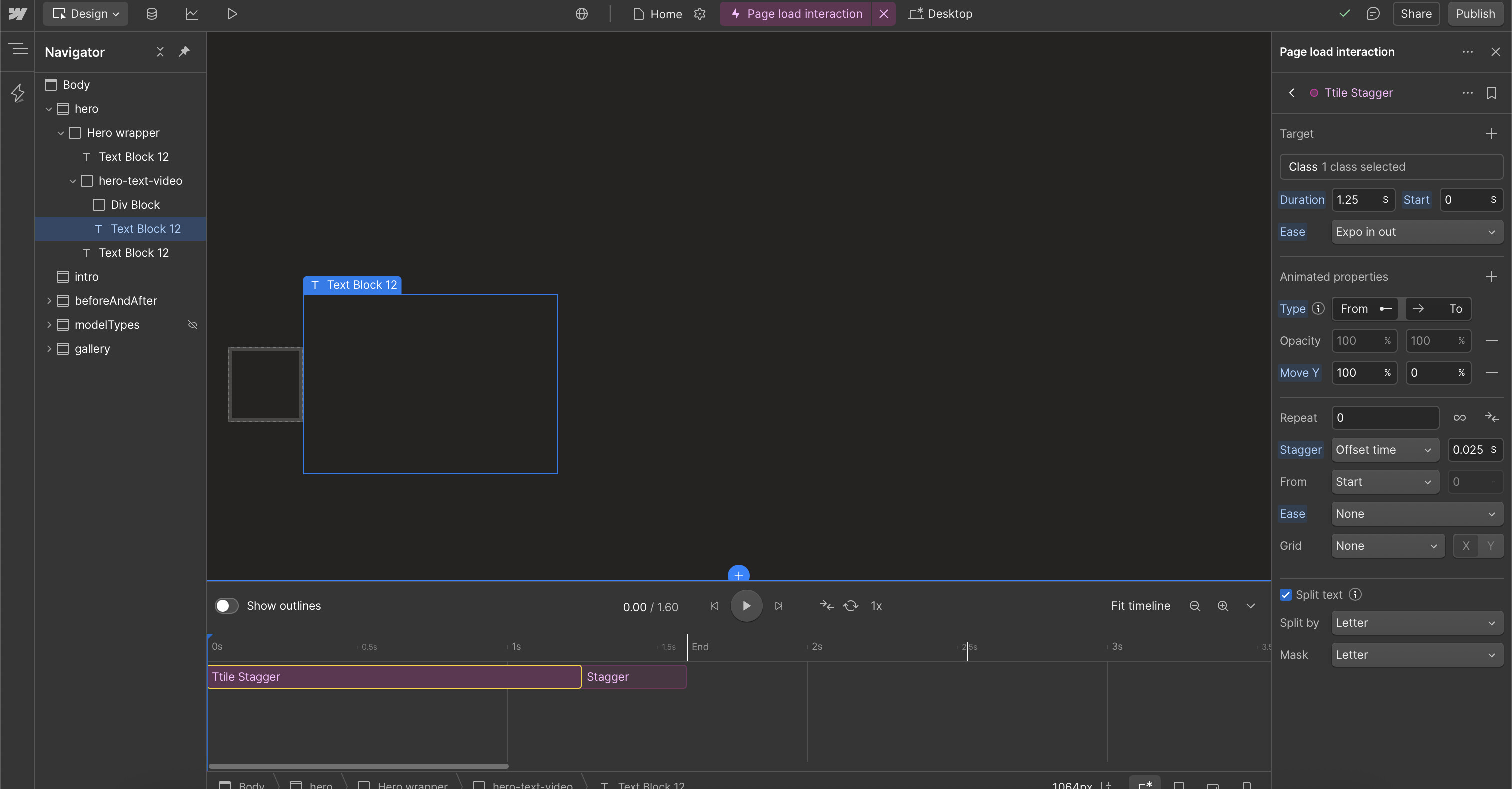
When creating a stagger animation using the new GSAP Timeline, my letters disappear completely and im unable to preview it in my GSAP Timeline. Im unsure if im doing something wrong :)
Split text animations in GSAP can sometimes cause letters to disappear during animation. This typically happens due to specific display or text alignment settings. Here’s what you should check:
The element containing your split text should have a display property set to ‘block’ or ‘inline-block’ rather than ‘inline’ to ensure proper animation handling. Additionally, avoid using ‘balance’ or ‘justify’ text settings as these can interfere with the animation positioning.
To ensure smooth transitions, use GSAP’s Auto-Alpha property instead of directly manipulating opacity. Auto-Alpha automatically handles both opacity and visibility settings, preventing any flickering or disappearing characters during the animation.
Hopefully this helps! If you still need assistance, please reply here so somebody from the community can help.
It doesn’t seem to be an inline issue from my understanding as I, followed a tutorial, and they structured it the same way… again im new to gsap animations so I acknowledge I have a large gap in my knowledge in relation to this haha :)
I doubt there is any issue with your setup currently. Users on the forum have shared similar issues regarding text animation and stagger effect, while few have said a refresh does the trick to make it visible. I can see that in the preview mode, your animation seems to work fine. Hopefully, the relevant team finds a solution to avoid this experience for the long run.