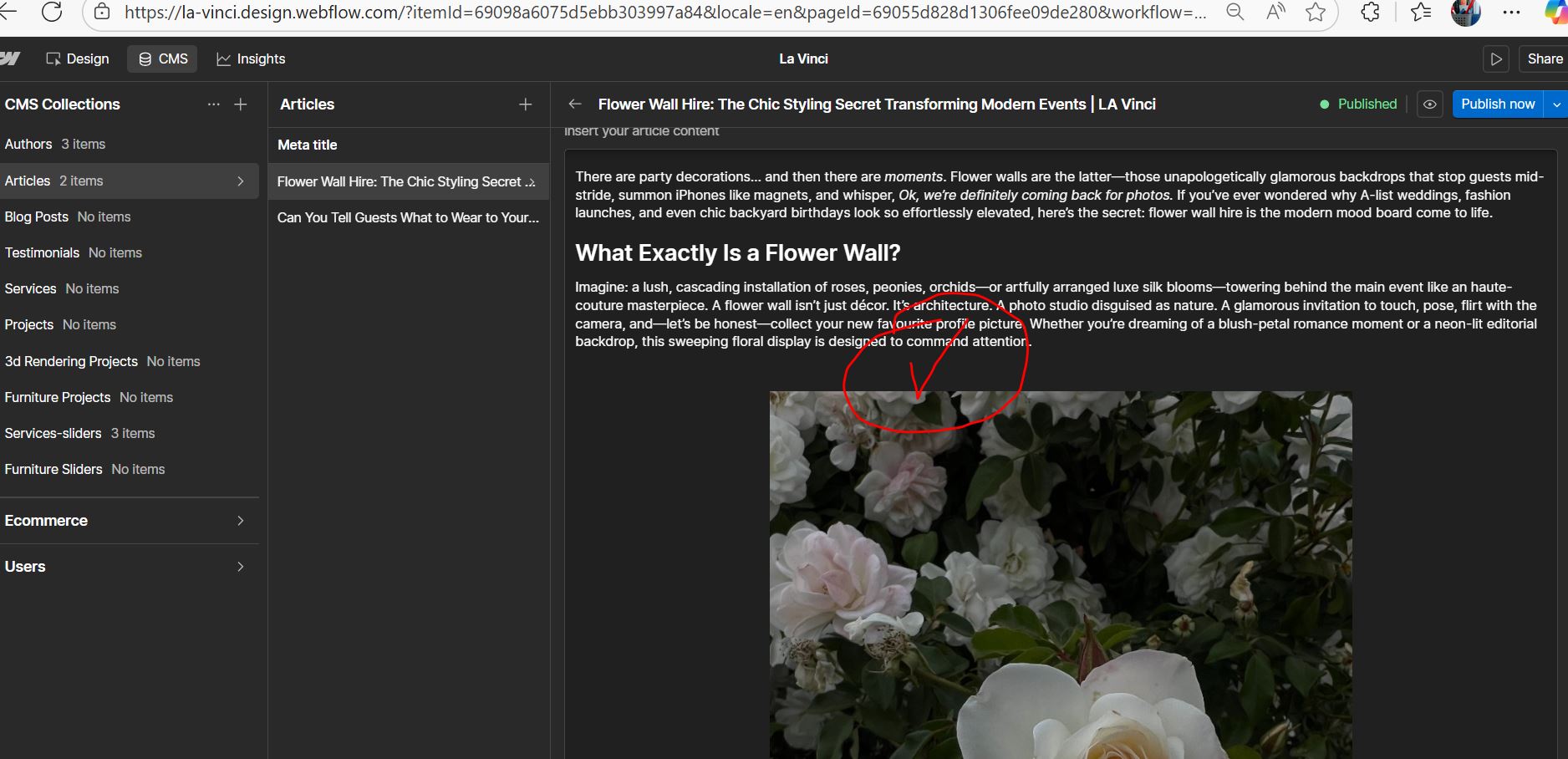
Very large spacing within my Rich Text Element between my paragraphs and images.
In my CMS collection Articles Template, i am having issues with spacing in my Rich Text Element. There is a very large gap between my paragraphs and my images. I have duplicated the rich text and disconnected the CMS collection from there to check margins, there is no large margins that i can see that would be causing this, i have also checked my CMS articles, and there is no spacing there in the Article content. Can someone please assist. Please see below read only link for my website, and screenshots referring to what i mean.
The original value seems to be 130% but stating just 130 is adding this additional gap. Once it’s reset / if you want you can mention any other custom value, the gap should not occur and you should be able to see the content as you require.