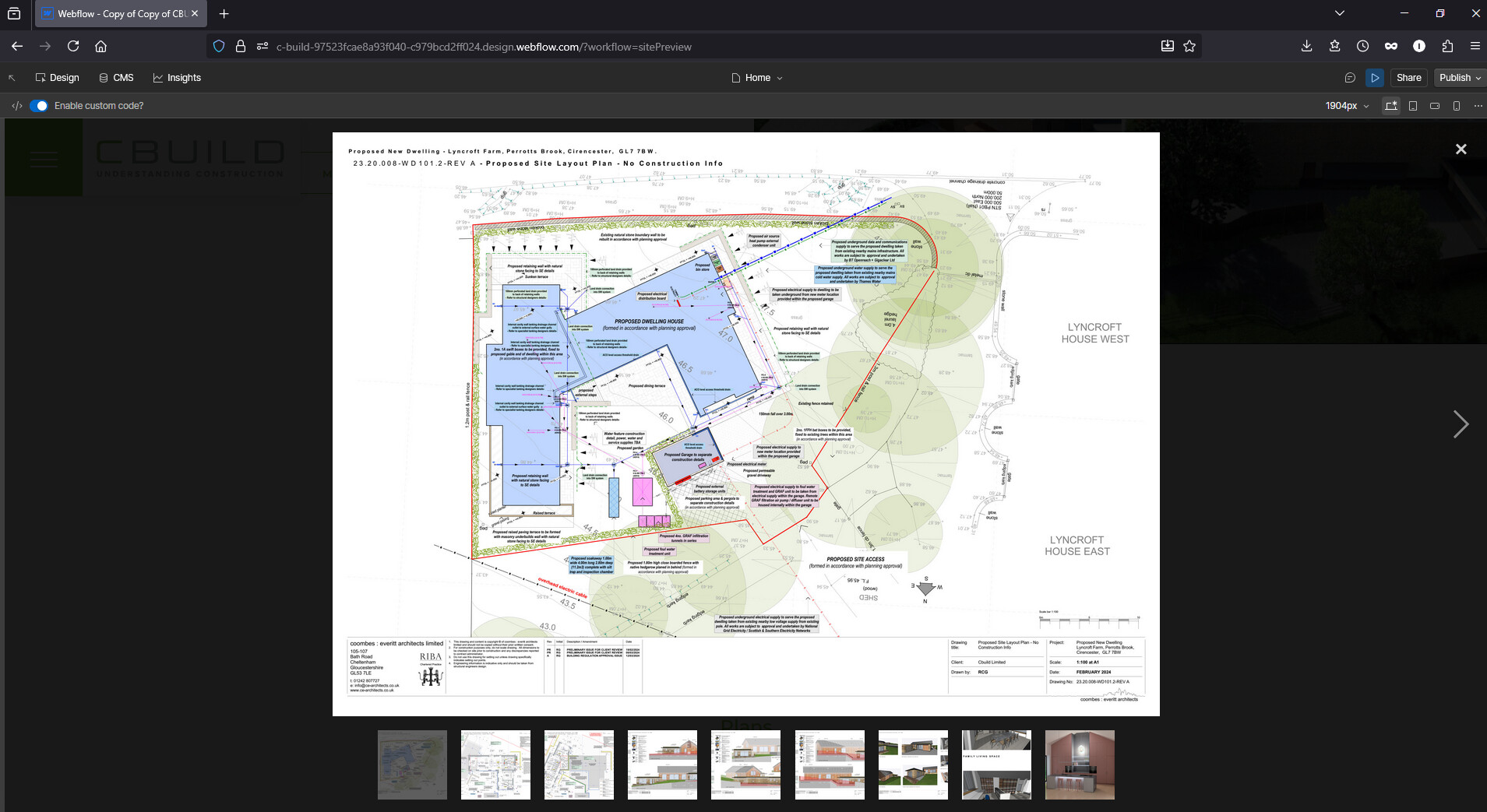
Hello. I have inherited a webflow website that has a number of collection lists that the user can click to view a gallery of images in a Lightbox. These collection lists require some custom code and they work when I preview the site inside webflow. But when I publish the site they don’t work. nothing happens when I click the image on the published site. when I click the image in the preview the gallery opens as intended.
I have attached two images. one showing the galley open as intended in preview. one showing it not opening once published
this problem seems to have happened to all the 10+ collection lists I have on this site. The one I have been trying to fix first is the one on the Home page but I don’t know what to do fix it so you can click to view the gallery.
When working with Lightbox functionality in Collection lists, there are a few common reasons why behavior might differ between preview and published states. First, ensure that your Lightbox settings are properly configured on all Collection list items. Check that the trigger element (usually an image or button) has the Lightbox interaction applied correctly.
For Collection lists specifically, verify that the Lightbox interaction is set up on the Collection list item template, as this will ensure consistent behavior across all items. Also, clear your browser cache and test in different browsers to rule out any client-side caching issues.
If you’re using custom code alongside the Lightbox feature, make sure it’s properly initialized and doesn’t conflict with Webflow’s native Lightbox functionality. Custom code should be added to the page settings or site-wide settings depending on your needs.
Hopefully this helps! If you still need assistance, please reply here so somebody from the community can help.
Are you still facing this issue? I checked your published site and when I click on the image, it does open a lightbox with all the images to view as shown in the screenshot below: