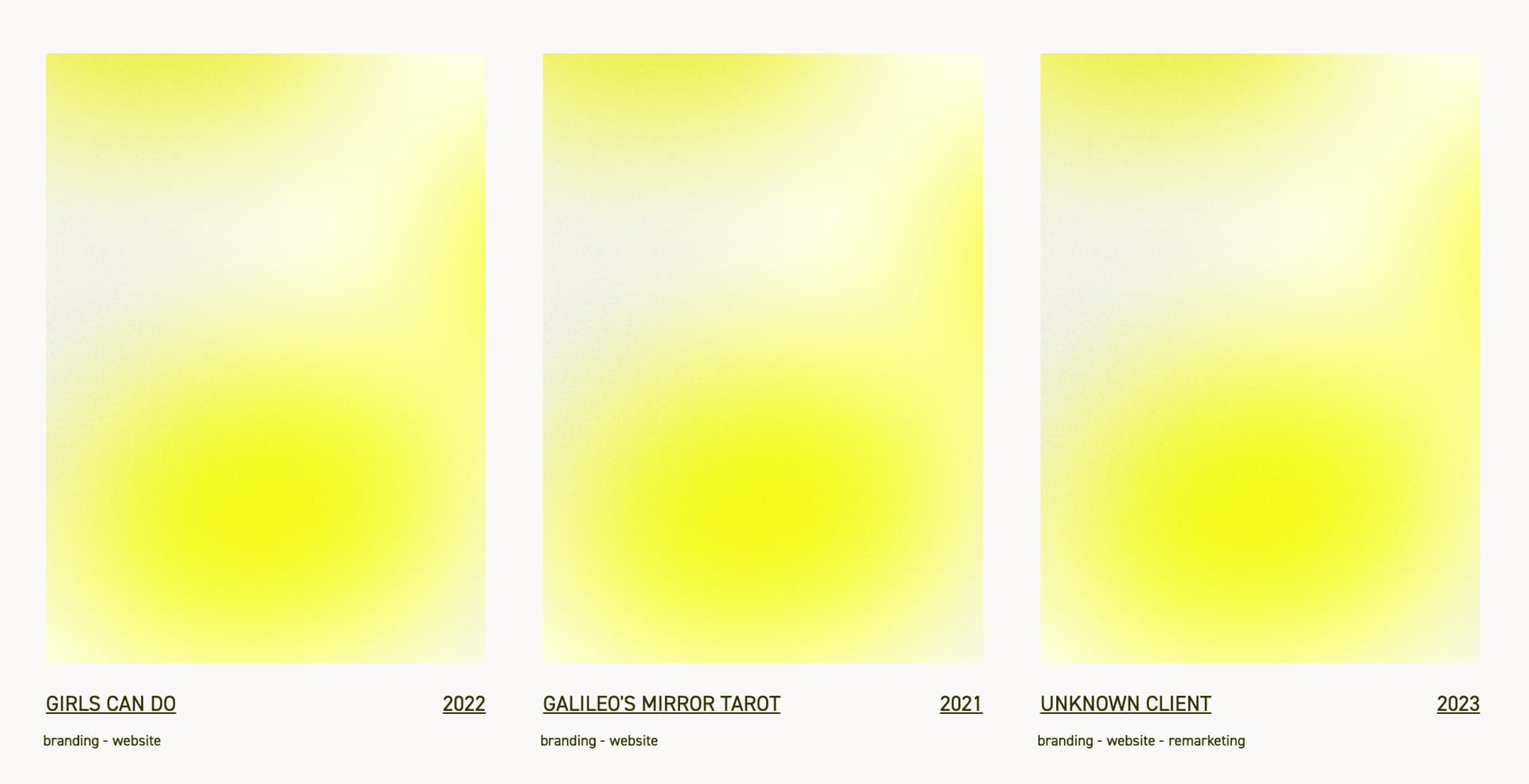
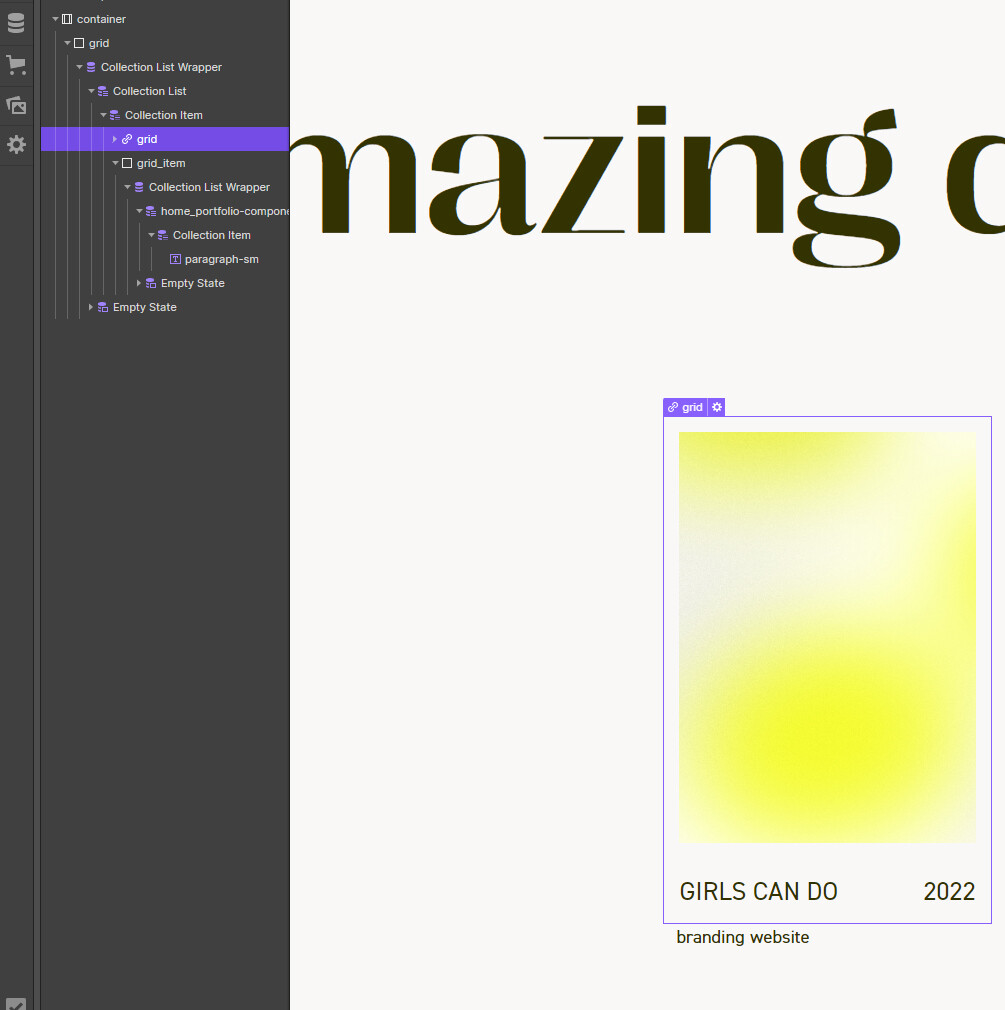
In order to allow the user to click from the homepage to the specific project, I have put the elements of the preview inside a Link Block. I did this because I would like the user to be able to click on any element within the preview to go to the Project Detail.
However, now all of the text elements are styled as links — that is they are underlined. This feels unnecessary and in any case is not in the design I was given.
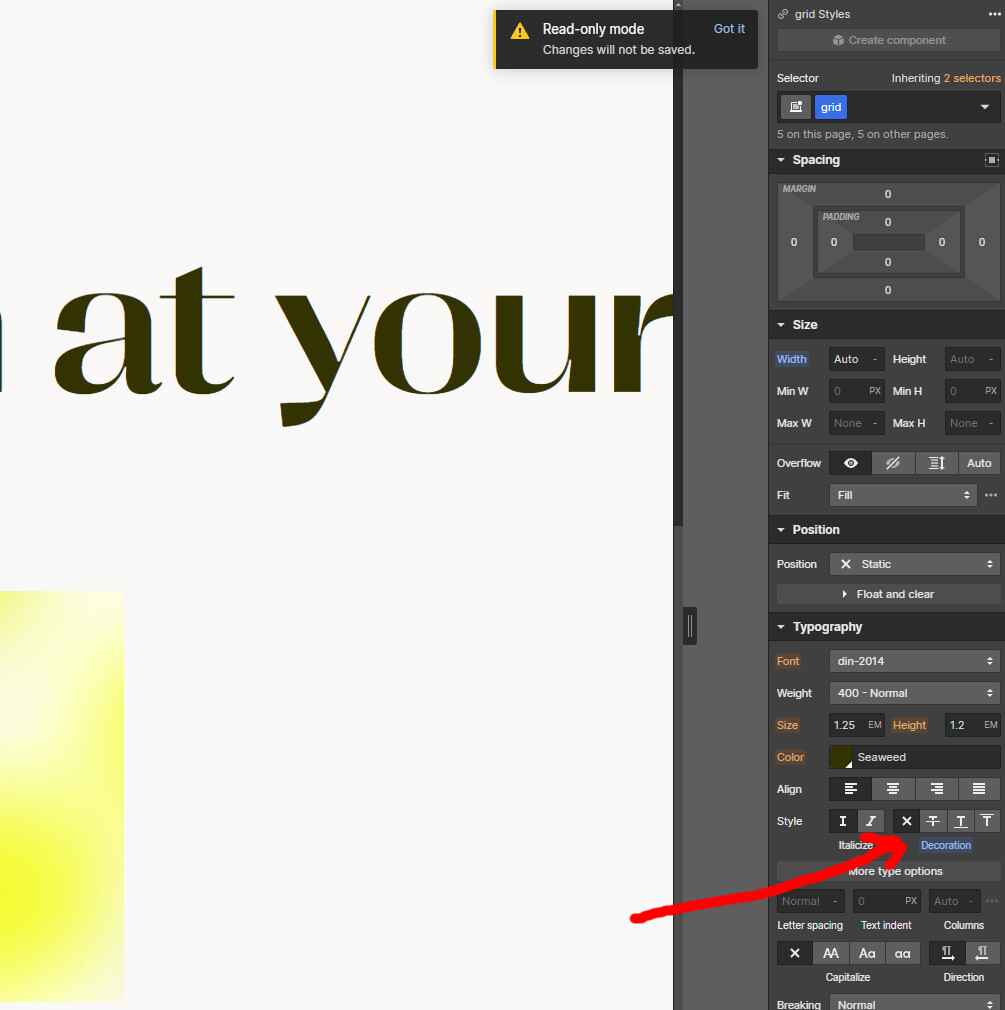
I tried to remove the underline in the styling for the individual text elements, but Webflow seems to be ignoring the change.
@williamb your welcome, webflow has a default style for all links just like it does for the body. anytime you wrap something lets say <a href="">Content or link</a> if you have a default style for .a what ever you have inside will respond to the default style set, because in your example the text inside is considered a sibling and only a parent which is the wrap will take priority of style without one assigned