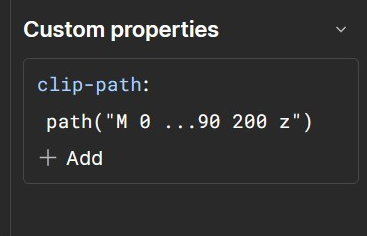
Have you tried setting clip path: path() via the Custom properties for an element? I was testing adding a similar property and Webflow seems to accept such values as well.
In my last project I also had to dig into clip-paths because I had to create animated shapes with rounded corners.
I decided to use clip-path: shape() as I needed to animate it and make it responsive.
But in your case, I would use a combination of a div and an SVG for the top-right part. Create a div with rounded corners for all corners except the top-right corner. For the top-right extension, create an SVG (see the screenshot below), place it inside the div and position it using position: absolute and define the width of the SVG with a percent-value so that it scales with the div.