Hello guys,
Thanks for taking the time to take a look at my post, my question is how is this hover over effect achieved on this website called rocketair I cannot post the link here
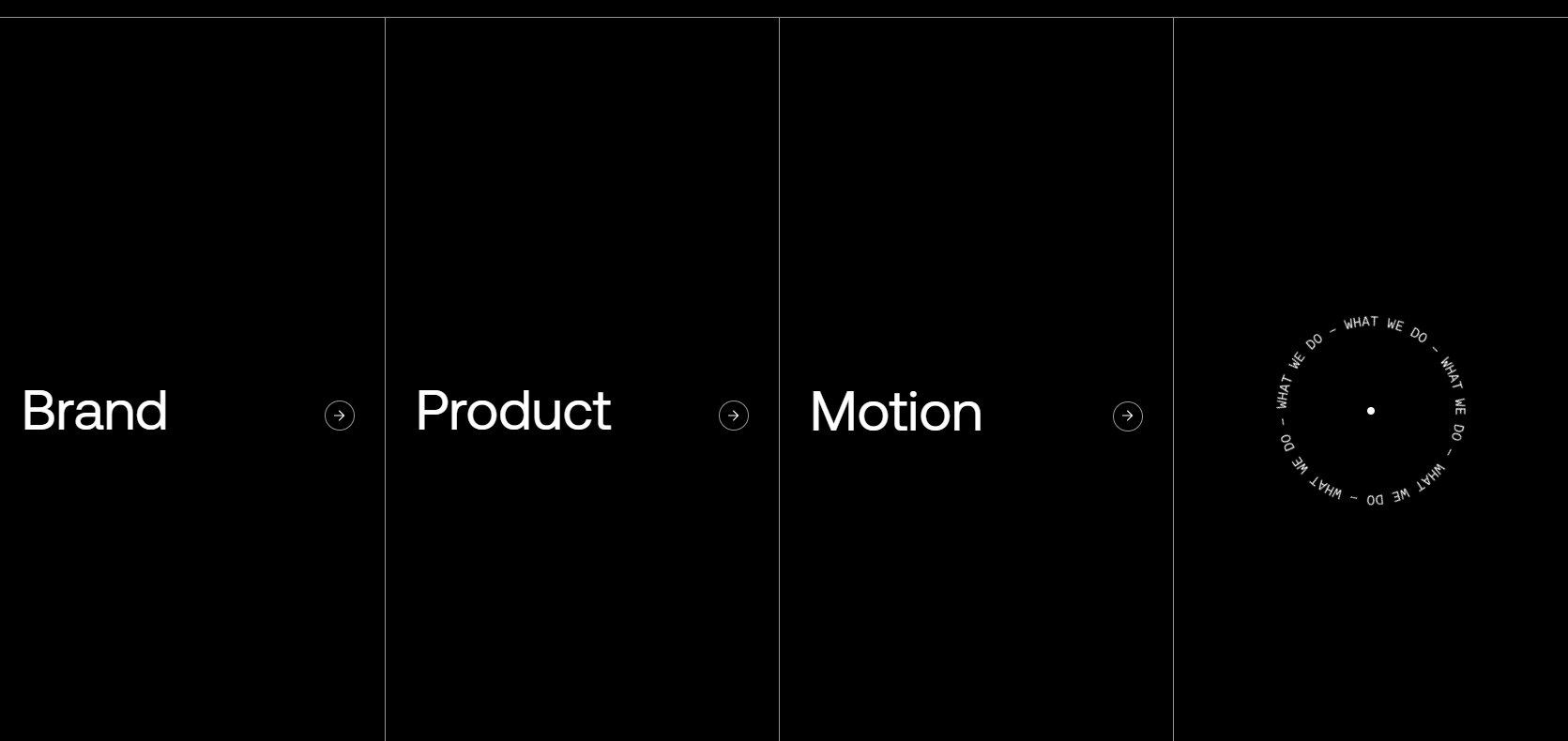
Specifically this section, it’s like this with no hover
when you hover the background changes to white but from the center outwards equally 50% giving the opening up affect, an image relating to this also plays simultaneously in the far right div. I’m sure there’s not much just hurting my brain
Thank you !
All the best,
Connor
Hi Connor,
Here’s how to create a specular highlight hover effect in Webflow:
Create a div block with these properties:
- Position: Absolute
- Background: White
- Border radius: 50%
- Opacity: 10%
- Filter: Add blur effect
To animate the highlight, use the Interactions panel to create mouse movement animations that expand from the center point. For image animations, you can set up hover interactions on the parent element to reveal child elements when users hover over the container.
Hopefully this helps! If you still need assistance, please reply here so somebody from the community can help.