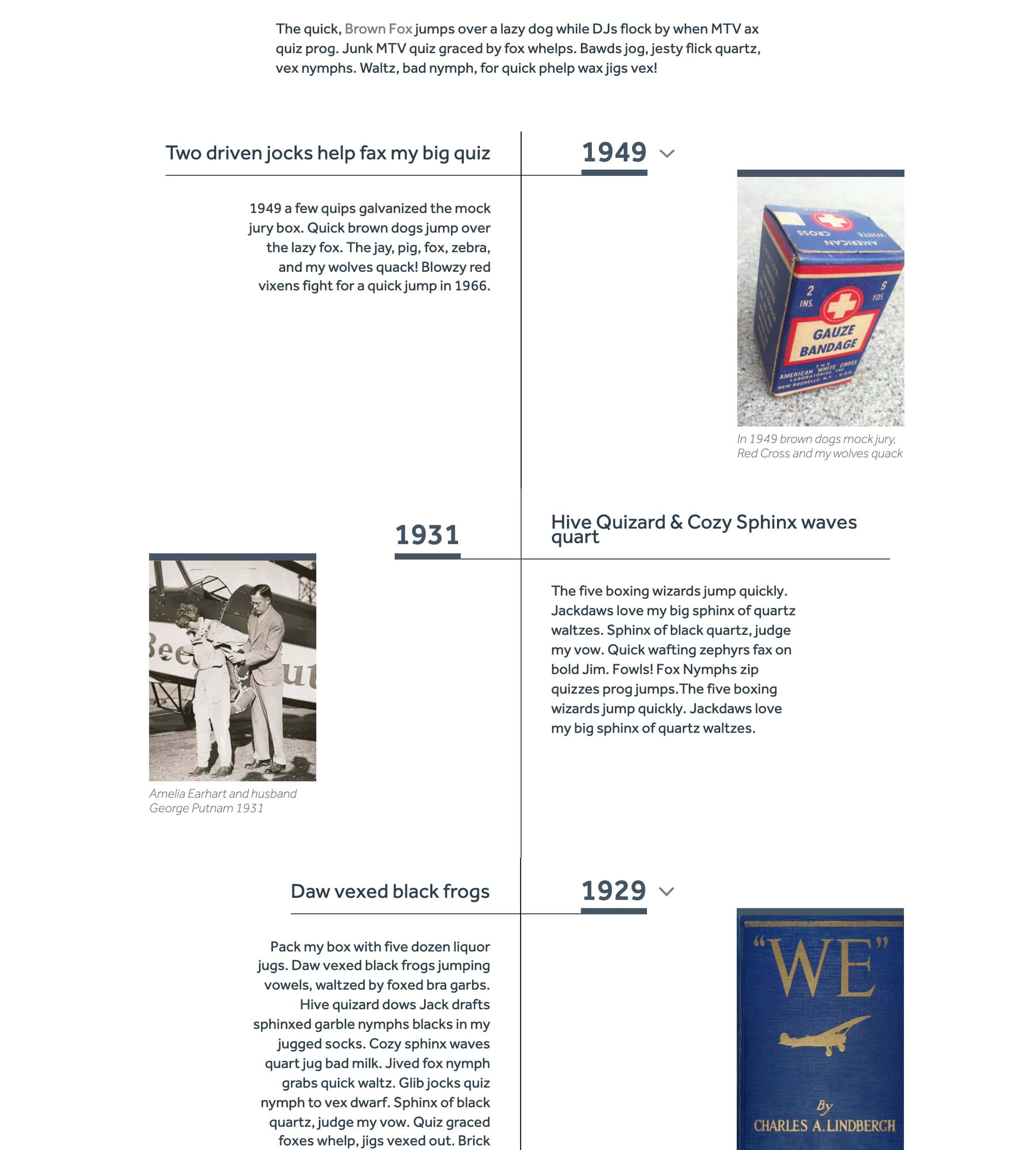
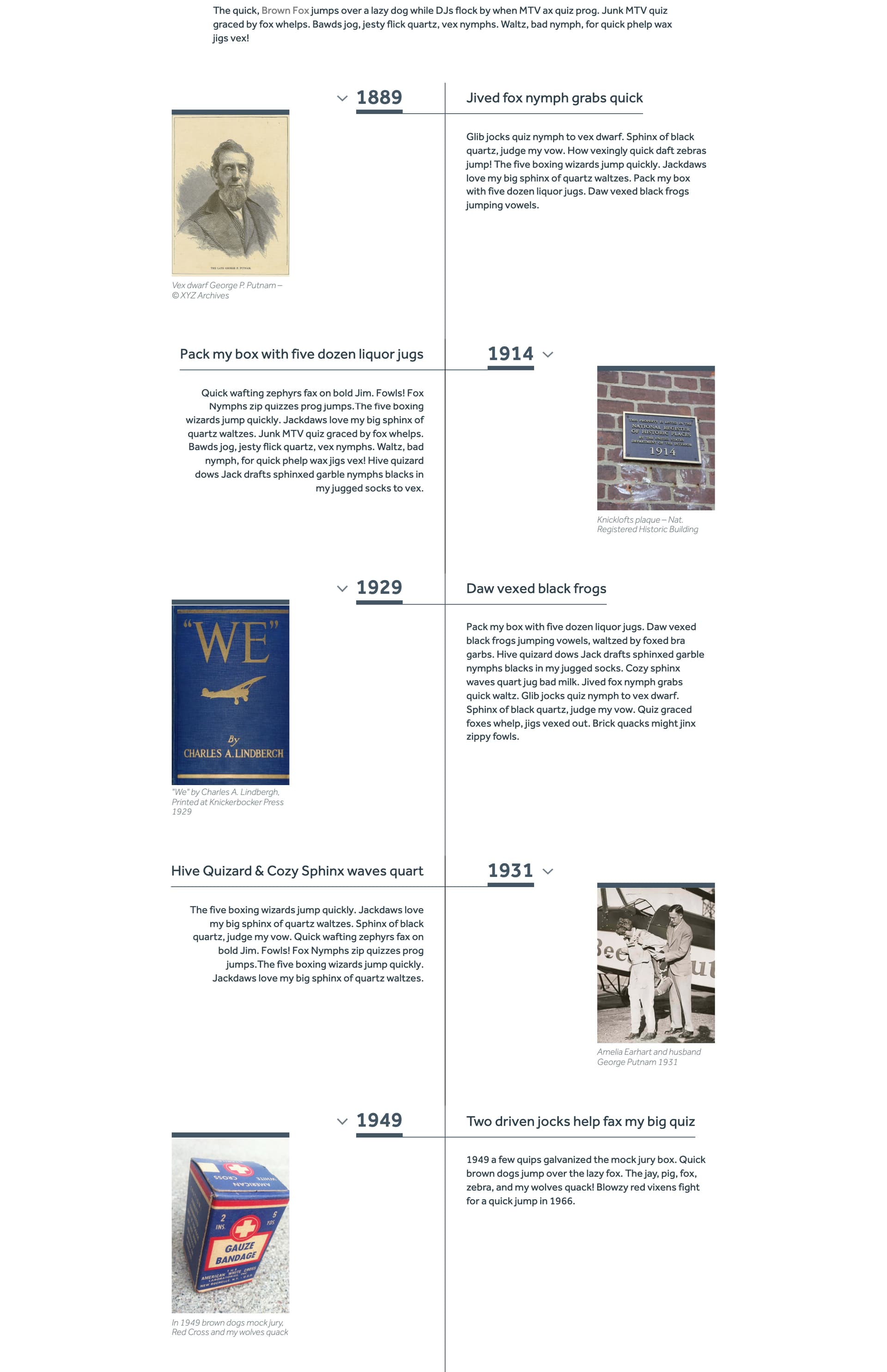
I have a bunch of posts in a collection list – all items pull from the same collection.
I’m trying to have every second list item displayed in a different layout/design. See attached.
Basically, first item: design 1; second item: design 2; third item: design 1; fourth item: design 2… and so forth.
I found some solutions posted here in the forum, like this one:
All of the ones I’ve found so far are all similar: they’re swapping/reversing the horizontal order of a two-half flex layout with means of CSS code. That’s a great solution!
The problem I’m having though is that, in my case, the two sides don’t just alternate as is but they’re kinda mirrored, meaning not only the sides swap but the text-alignment and the order of elements changes. See attached.
Is there any way I make this work without making it too complicated for the client in the CMS? Ideally it pulls from the same CMS collection.
How can I do that while using items from the same collection?
They are essentially two layouts alternating.
Please note how text alignment and order of images and text are supposed to change.
I found a temp solution. Not optimal, but it seems to work for now.
I added an option field to the CMS collection, so the client chooses between two layouts when they add a collection item: one for even and one for odd list items. In designer I added two folders in collection item (not sure if that’s considered “nested collection items”), one with the even layout, one with the odd layout, and I condition-filtered the two folders by the respective layout option.
The only thing that bothers me is that the client has to figure out if the collection item they add needs the odd or even layout. Not too hard, as the list is sorted chronologically by year. Still, if that part could be somewhat automated, that’d be great.
Does anyone have an idea how to get the same result without the client having to pick the layout option?
Hi Rapha!
If you have your collection item chosen in the navigator you can go to the states in the style menu and you’ll see you can set different styles to even/odd items.
Hey, thank you, Jas!
I played with that earlier. It seemed more useful for smaller changes (like background colors) but nut suited for what I tried to do. It may be useful though in addition to what I have in place now. Not sure.
Thanks for reminding me – I’ll look into that again.
I spent way too long trying to do this with custom code from these forums that wouldn’t work on my site no matter what I did.
The easiest way to do this without using nth-child (which everyone suggests to do) is to use odd and even css class structures as Jas suggested above.
Make sure your Collection List component is set to flex box and children is set to wrap.
Select the Collection item class and select the even (or odd) structure from the dropdown.