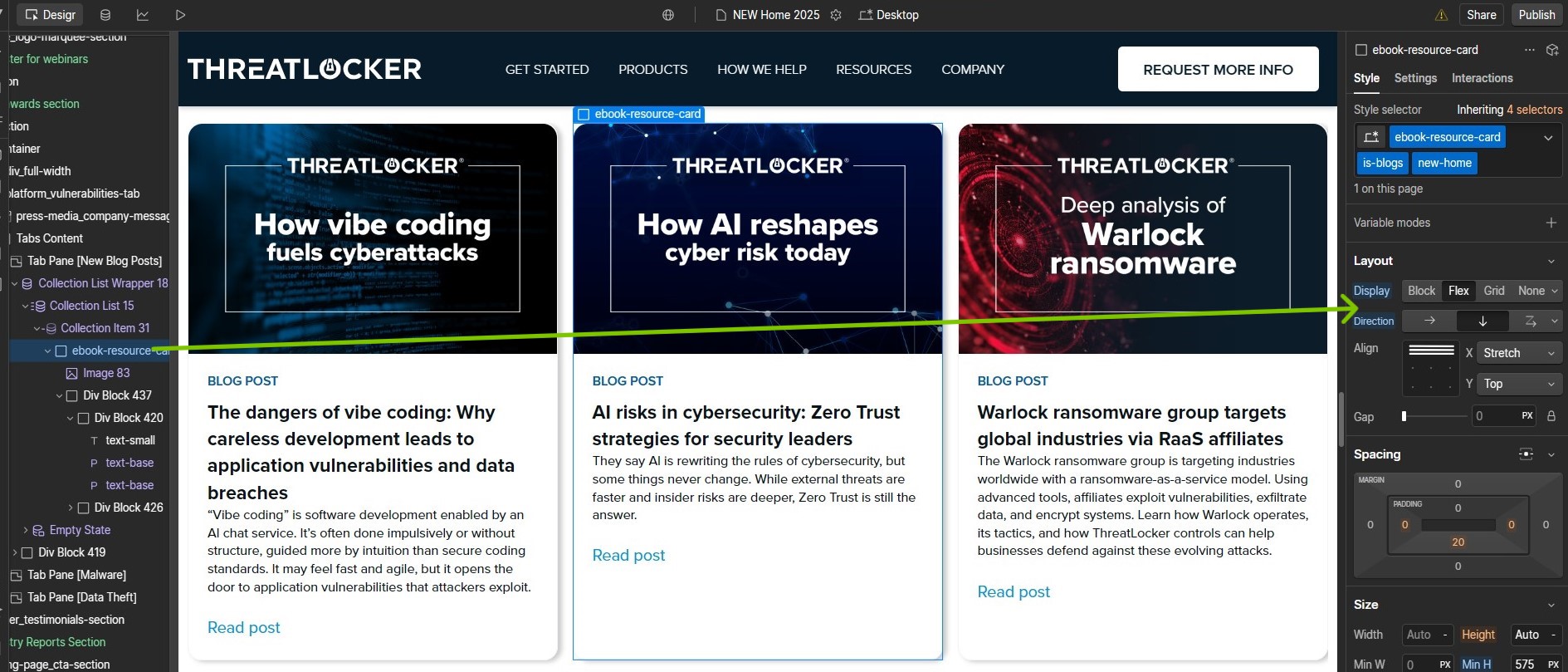
Hello. We have a section farther down on the new home page we’re working on called Cybersecurity Resources that contains three tabs, each housing a collection list. See screenshot below.
How do we align ONLY the “Read post” link in the NEW BLOG POST collection items to the bottom of the div container and keep both the BLOG POST and the title and excerpt aligned to the top?
Alternatively, is there a way to make a text/paragraph element display only a certain word count and then cut it off with a “…” so that all the collection items have the same length excerpt and (theoretically) the READ POST links still end up aligned horizontally?
Thank you! Unfortunately that’s not the section I was looking at, and following your directions (see below) didn’t serve to make the “Read post” links all aligned to the bottom of the parent div.