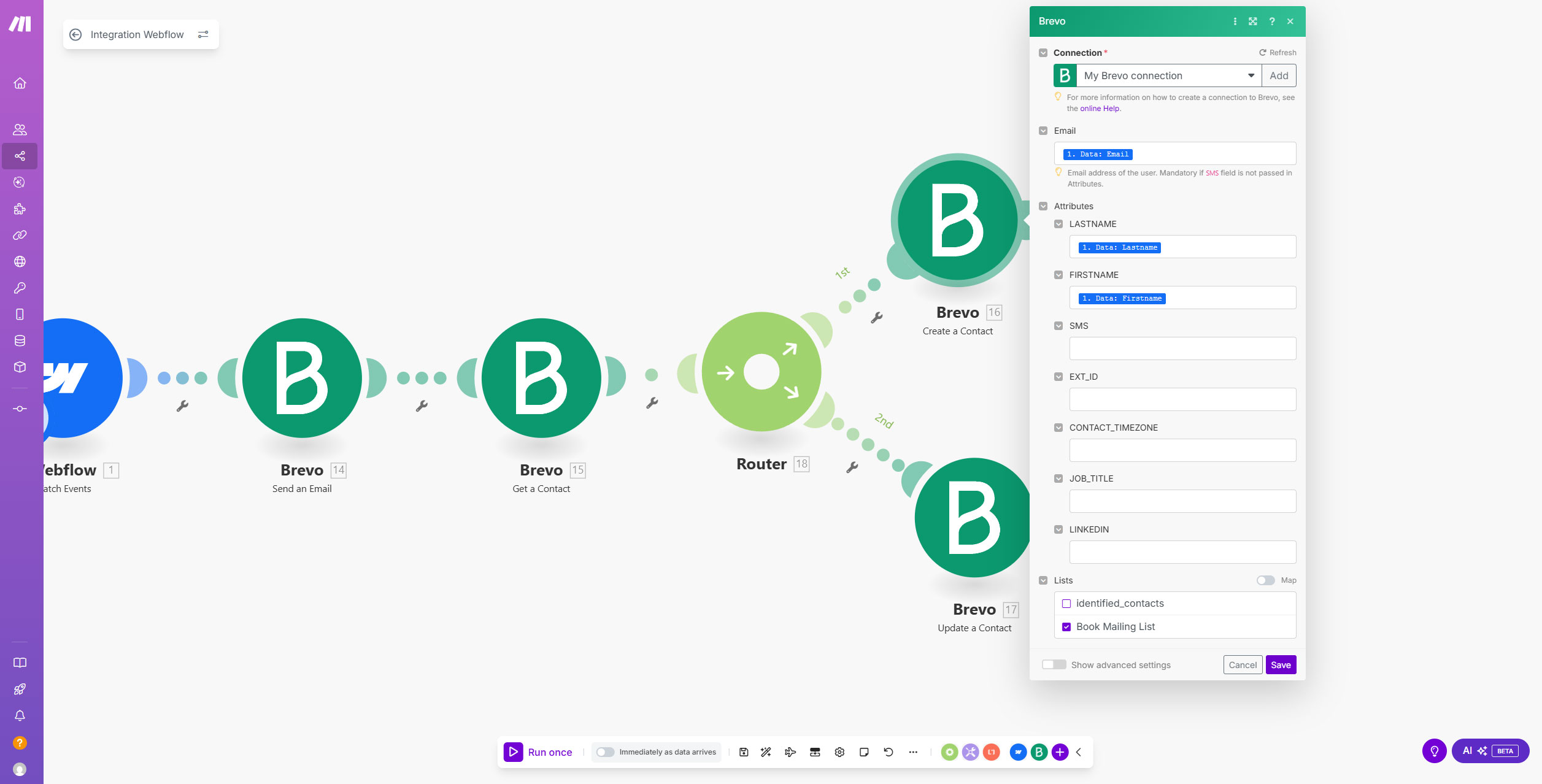
Hey Tomi, I haven’t tried unpacking your logic flow, but;
See if there’s a get-or-create call, many CRM APIs support them now, Brevo might as well.
Read the Make docs on error handlers- it’s pretty easy to setup and they’re fairly critical for variable data like form inputs- and in your case, matching situations.
You’ll want to set up an error handler on the “Get Contact” module so if Brevo returns document_not_found, the scenario routes to “Create Contact.” Had to do this on a client flow recently , the filter just checks for the error code 404 and passes it forward. Brevo doesn’t have a true “get-or-create,” so this is the cleanest way.
You are close to the solution, but you don’t need a router for this use-case. I created a sample workflow based on your screenshot to show how to solve this.
Right click on the ‘Get a Contact’ Brevo module that you have and select ‘Run this module only’ option, give a non-existing contact’s email ID so that this module gives an error message.
Then right click the same module and select ‘Add error handler’ and select Brevo from the app list and then select ‘Create a contact’.
You can set the filter accordingly to check if contact does not exist is present in the error message.
Now drag the create contact module upwards and you should be able to see a ‘+’ icon beside the ‘Get a contact’ module to add another module - which is ‘Update a contact’ from Brevo in your case.
Now you can set the rest of the workflow as per your requirements and additionally you can also set a condition between the ‘Get’ and ‘Update a contact’ module that only proceed if Email from get a contact module exists. In case, you are not able to map the ‘Email’ field, you can run the get a contact module with an existing contact’s email ID once and it should populate the fields in the option for you to select from.