Tab Lottie Animation Triggers

Hi there!

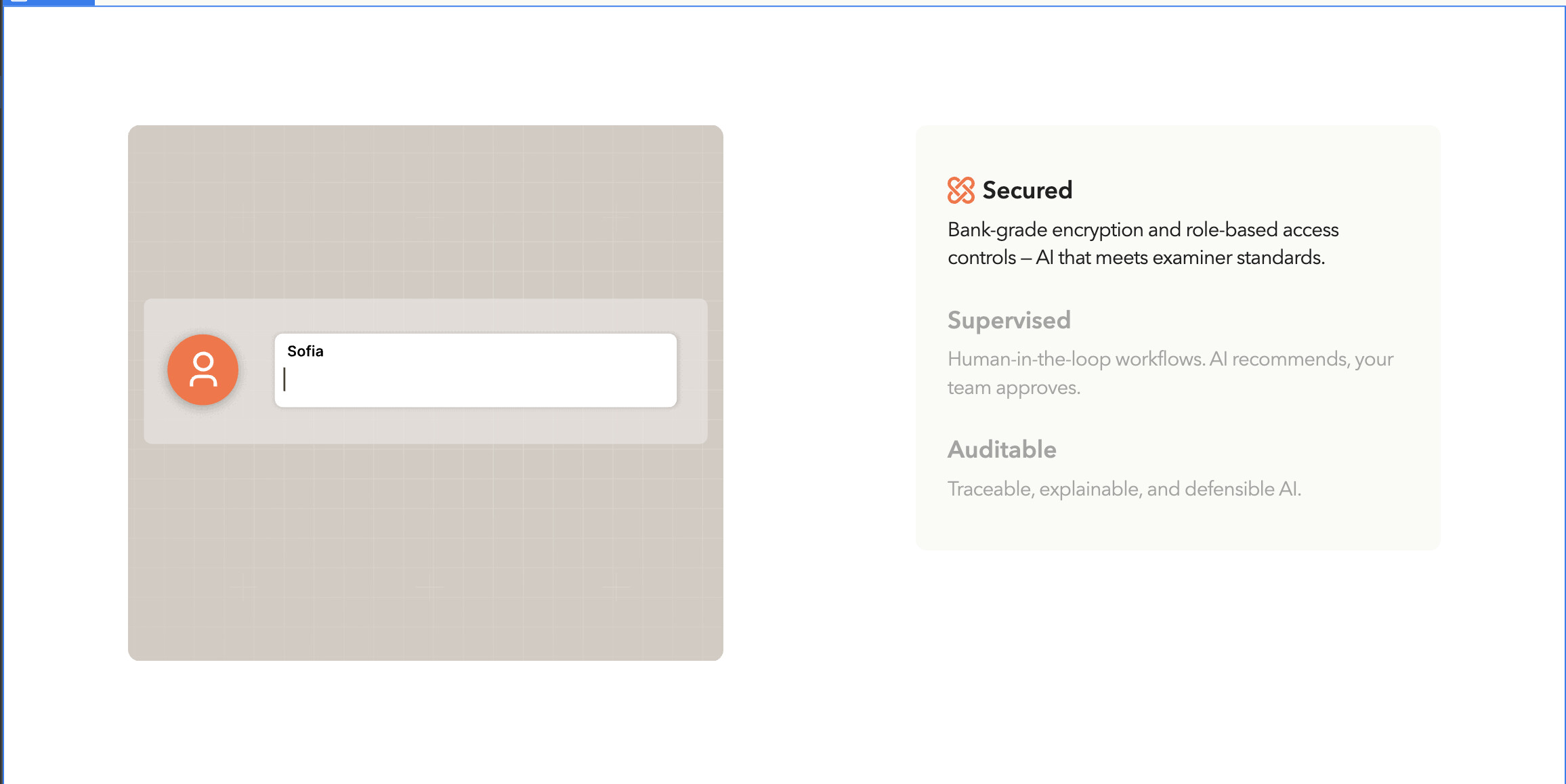
I am having trouble triggering animations correctly in the tab section that has “supervised”, “secured” and “auditable” on the homepage of the website.

The first tab automatically plays when scrolled into view which is the desired interaction. When you first click on the tabs, the animations correctly play. They don’t loop, which is fine. But when you select a tab after it’s been selected and played once, the relative animation is frozen at the end and doesn’t trigger to play again. This is happens for when you select on a tab on the second time after its animation has already played through.

The ideal state is that when you click on a tab, the relative animation starts playing every time, even if you have clicked on it a few times before. You can ideally switch from tab to tab and always have the relative animation start playing.

I still want to make sure that when the entire section is scrolled into view, the “secured” animation automatically starts to play.

Here is my public share link: Public share link

Please help! thanks!

1 Like

Hi @Mimi_Klein

1- uncheck set as initial state, will fix the restarting animation issue.

2- If you want to lottie animation to restart playing on everytime tab button is clicked, just create a single interaction and attach to tab button using class selector, you created multiple Tab Change IN 2, Tab Change IN 3, Tab Change OUT 2,

1 Like

@ahmed_moeed
1- Where is the set as initial state that you are referring to here?

2 - Right now the interactions are different because the animation that they are playing has a different class name. Aka Tab Change IN 2 changes lottie-tab2 and Tab Change IN 3 changes lottie-tab3. Are you saying that the lottie tabs should just be 1 class name?
1 Like

Hey @Mimi_Klein ,

Here are the steps that I took which seems to fix the animation issue.

  • Set the class as lottie-tab for all the 3 lottie element.

  • Change the interaction trigger linked to the first tab-link-s element as ‘Tab Change’. (It is currently set as Mouse click for the first tab link)

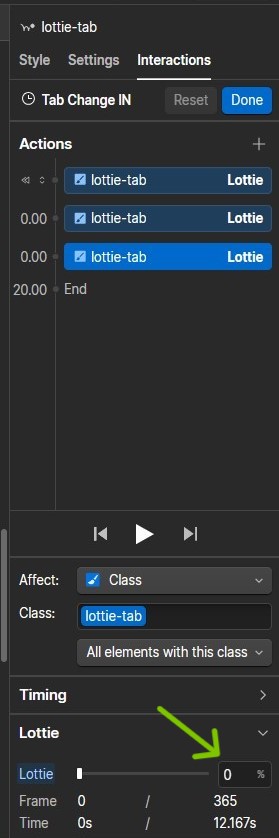
  • In the Tab Change IN animation, duplicate the first action and set the first action as initial state (as highlighted in the screenshot below.

  • Have the next 2 actions as it is with the duration set to 0 for the second action and 20 seconds (as per your setting currently) for the third action.

  • Set the Tab in view animation to Loop as highlighted in the screenshot below and remove the ‘Tab out of view’ animation.

  • Assign the Tab Change IN animation for the other tab links for ‘Tab in view’ event.

  • Set the active tab as ‘Tab 1’ in case you want to show users from tab 1 as default.

Doing so should give you the following result:

AJ - Tab interaction result

Hope this helps.

I just tried what you did, and it’s still not working. Please look at the sandbox link and see what I did wrong: Webflow - Copy of Titan Banking

But basically, the first animation (secured) now glitches when you go over it, and the supervised and auditable animations are completely paused.

Hey @Mimi_Klein ,

I can see that the Tab Change IN interaction’s 3rd action has the Lottie value as 0 currently, you can set it to 100 and save it.

And for testing purposes, remove the Scroll into view interaction that you have set for the first Lottie tab element.

Doing so, fixed the issues you mentioned.

Then you can try adding that interaction and explore which setting makes the first lottie glitch.

Hope this helps.